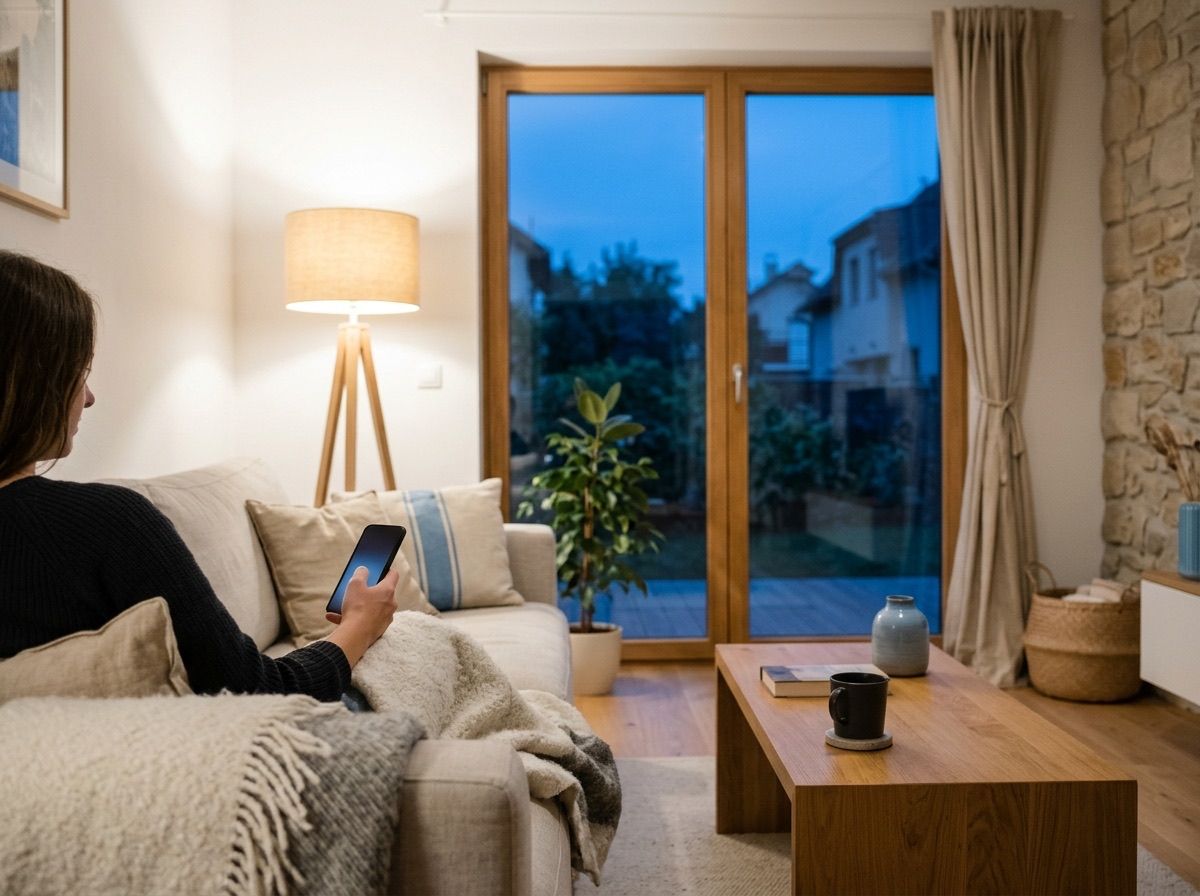
The wall button stays, the app is a bonus. The usual push button stays on the wall, and the timers and automations run in myIO itself. All of this works without the internet: if the connection drops, the house carries on as before. The app, voice control and remote access are conveniences, not requirements.
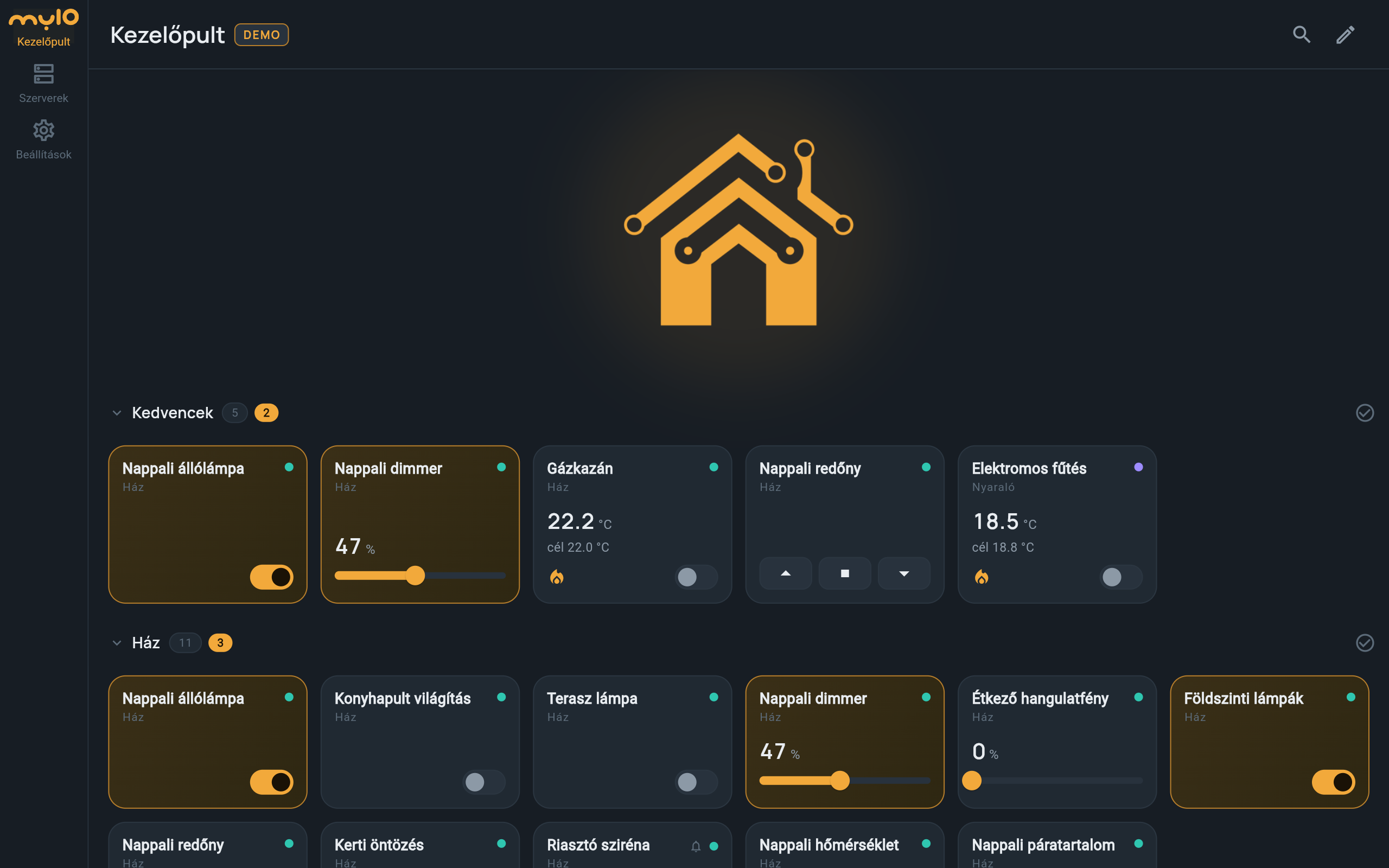
The myIO App: one dashboard for the whole house
In the myIO App you put together your own dashboard: you arrange the tiles of your lights, blinds, thermostats and cameras into zones, for example “Living room”, “Garden” or “Kids’ room”. If you have more than one myIO, say in your home and in your holiday house, both appear on the same screen. On V4 you can also save the dashboard to myIO, so every family member and a new phone get the same one.
No cloud and no subscription: the app talks directly to myIO. In demo mode you can try it without a myIO: you can switch the lights, blinds and heating of two made-up houses.
It installs on Android and macOS and updates itself. On an iPhone and on any computer it also runs in the browser: added to the home screen, it starts like an app.
Remotely too
When you are away, there are three ways to reach your home, and you pick the one you like:
- myIO Cloud on V4 GIGA and V4 Opta: you pair your phone in the app with a QR code, and from then on you can control things from anywhere. No router setup is needed, and the connection is encrypted.
- Through a VPN: if your router supports VPN, your phone becomes part of your home network remotely, as if you were at home.
- With port forwarding: you reach myIO through a port opened on your router and a fixed address (DDNS). This is the simplest, but the connection is not encrypted, so it needs a strong password.
By voice, in Hungarian
On Android you speak to the app in Hungarian: “switch on the living room lamp”, “set the living room dimmer to 30 percent”, “lower the blind”. It understands what you want from the device names, inflected forms included, and if you call something differently, you can teach it. If a command would affect many things, or concerns a locked device, it asks back first.
If you also use Homey or Home Assistant, myIO devices can be controlled with the voice assistants set up there too, for example Google Assistant or Alexa. Their language support varies: not all of them understand Hungarian.
You can also talk to your home through an AI assistant: ask how warm the kids’ room was last night, ask it to raise the living room temperature, and let it help with the setup. It reaches everything myIO can do.
From the car
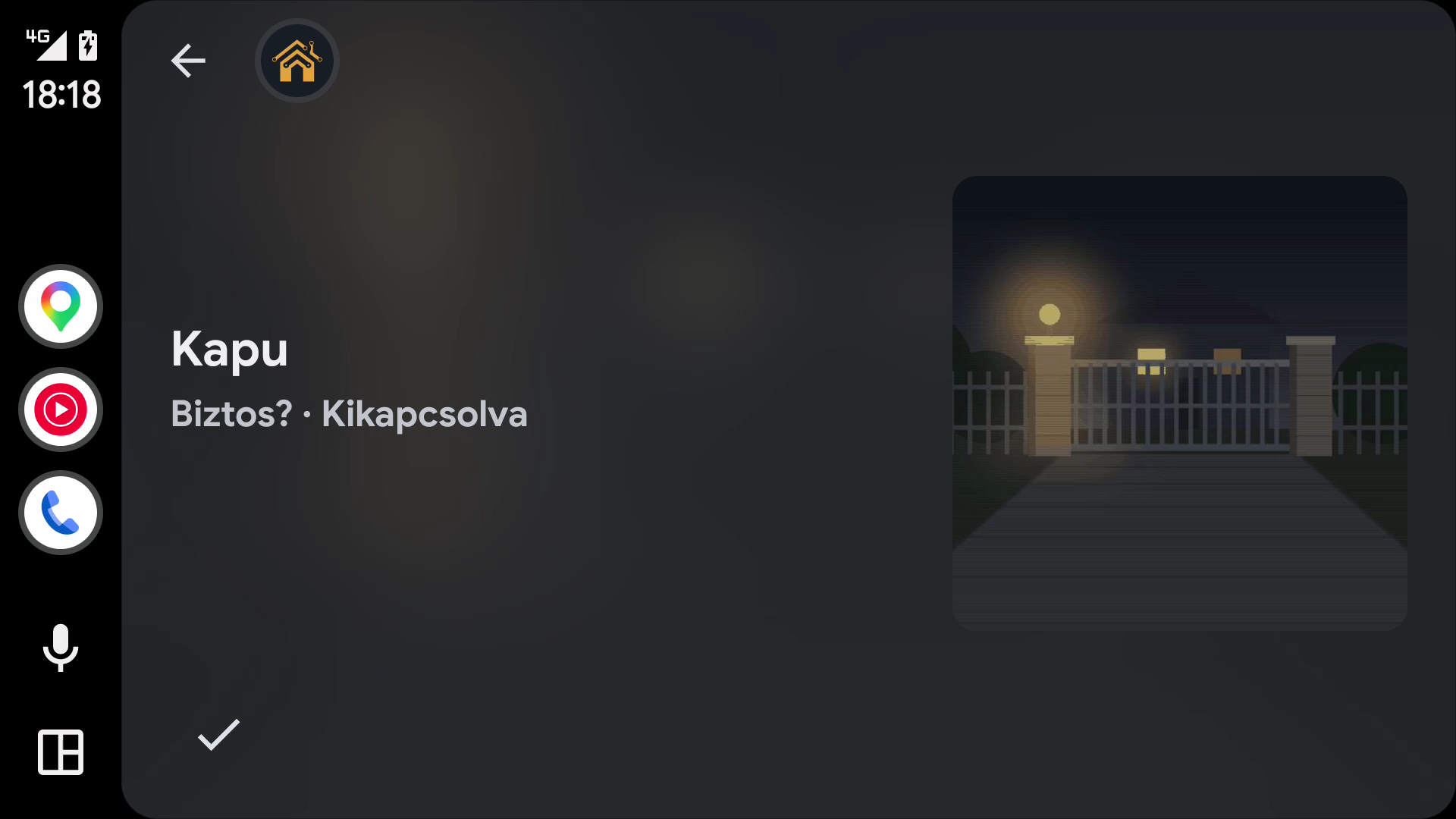
The myIO App also works with Android Auto. When you get home, you tap the gate on the car display, you see the gate camera image on the confirmation screen, and you can switch on the garden light too. You choose what appears in the car with a zone in the app. You can read about the gate on the Shading and gates page.
A tablet on the wall
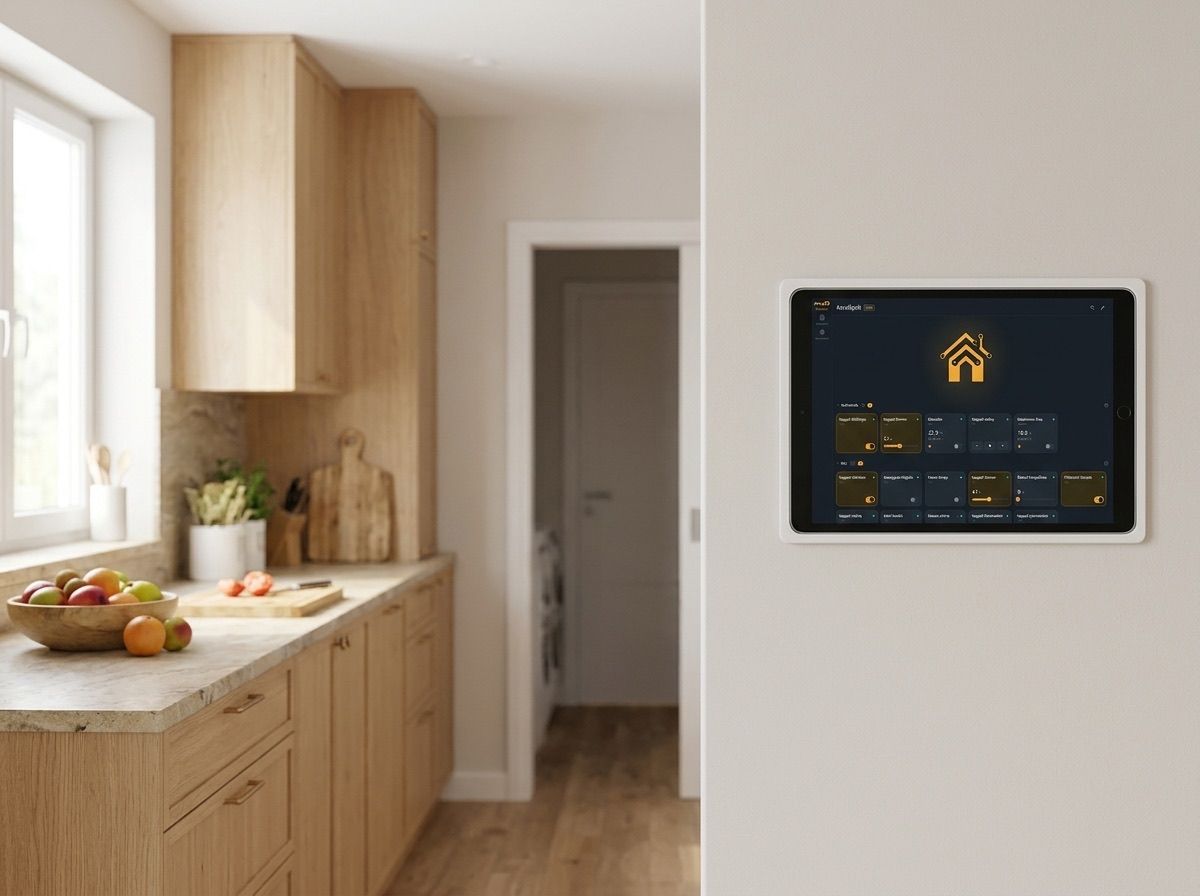
Any tablet will do as a wall display. On an Android tablet the myIO App runs, and you can let it listen continuously: in the kitchen you can switch things by voice, even while washing your hands. On an iPad the browser version runs, added to the home screen as an icon.
In the browser, on any device
myIO’s own web interface runs on every phone, tablet and computer, without installing anything. You can switch things here too, view the temperature and consumption charts, and find every setting.
Home Assistant and Homey
If you already use Home Assistant or Homey, myIO devices appear there too, and you can use them in their scenes and automations. Home Assistant recognises myIO automatically, and there is an official myIO app for Homey. What appears in them, and what else myIO can be connected to, is described on the Integrations page.
Securely
You can lock the app with a PIN or your fingerprint, and sensitive tiles, such as the gate or the alarm, separately too. Everyone logs in with their own user and sees and controls only what they have been given rights to: the child the lamp in their own room, a guest only the gate. Passwords are kept in the phone’s secure storage. Read more on the Security page.
For professionals
- myIO App: Android (APK, with self-update), macOS, and web/PWA in the browser (iPhone too). Several myIO controllers on one dashboard; items are tracked by the server’s identifier, so a change of the controller’s IP address does not break the dashboard. Export and import via the clipboard, saving to the server (4.x). Full functionality comes with V4; V3 works with the basic functions.
- Web/PWA limits: background notifications, alarms on a locked screen and biometrics only in the Android app. A web app served over https may not reach a local http controller, depending on the browser; browser access is allowed by the 4.x firmware (CORS).
- myIO Cloud (V4): QR pairing in the app, with a 5-minute window; the paired phone runs with the rights of the selected user (admin cannot be selected). TLS 1.2, with the controller’s own key pair. Only in the installed app, not in the browser.
- VPN: for example the router’s WireGuard or L2TP server. Port forwarding: the controller’s HTTP port behind a DDNS name; the connection is unencrypted, so a strong password is needed. V4 locks out an IP address for a while after repeated failed logins.
- Voice control: uses the device’s speech recognition (Android), started with the microphone button; continuous listening for wall tablets, without a wake word. Voice synonyms per tile; it asks back for commands affecting many items or a locked item. It also reads notifications aloud in Hungarian (TTS).
- Android Auto: myIO App 2.0.1 or later. Because the app does not come from the Play Store, “Unknown sources” has to be enabled in the Android Auto developer settings. The tiles of the “Android Auto” zone appear; locked tiles need a confirmation; search with the magnifier button, by dictation too.
- AI assistant: connects through MCP (Model Context Protocol) and reaches every myIO function: it reads, switches and configures. On every controller.
- Web interface: at the controller’s IP address or network name (for example myio-nappali.local). On iPhone and iPad, “Add to Home Screen” in Safari, over http too; on Android, Chrome rewrites the address to https, so the app or Firefox is recommended there. The web interface is open source.
- Users: Admin (everything), Editor (the settings pages, except system-level operations), User (only the main page, and only the items assigned to them). Change the factory admin password as the first step.
- Home Assistant: MQTT Discovery, myIO devices appear automatically. Homey: official myIO app.
- Software updates: over the network, on every controller; no need to go to the cabinet.