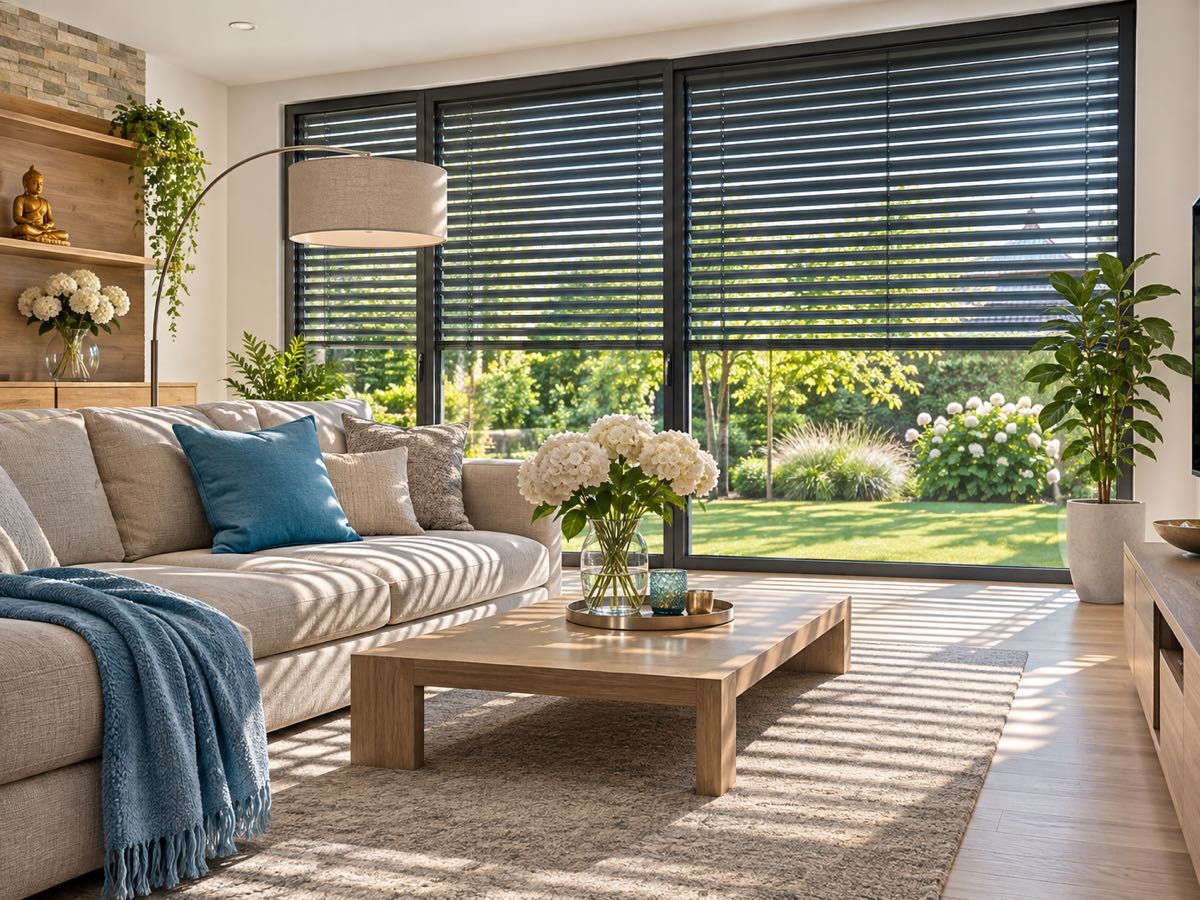
The same controller, with ordinary motors. Roller blinds, venetian blinds, awnings, motorised curtains and gates all connect to the same myIO that controls your heating. You do not need a separate blind controller or expensive “smart” motors: myIO works with the usual blind and gate motors. And you do not need a programmer to set it up.
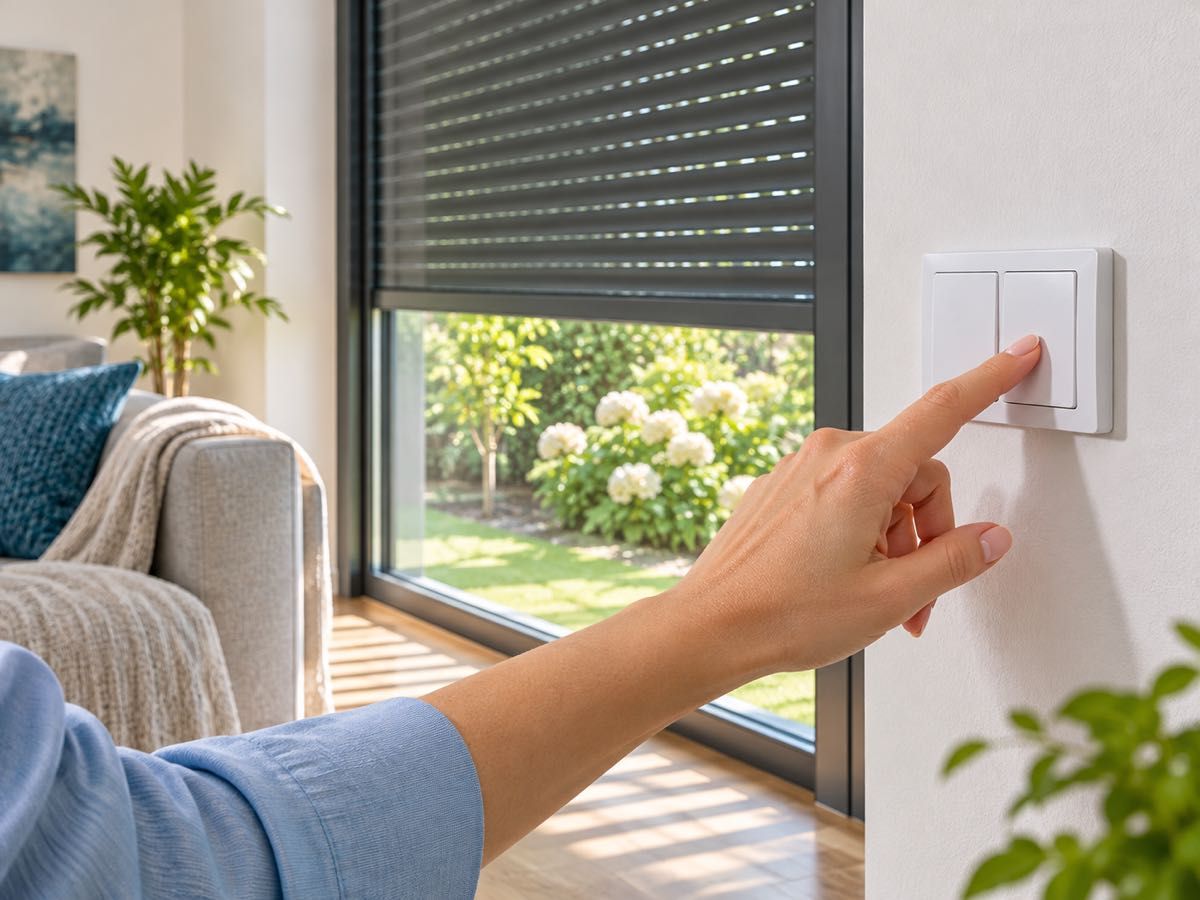
Up, down, stop: with a double button
Every blind has a double push button on the wall: one for up, one for down. One click and the blind runs all the way; click again while it moves and it stops. Hold the button and it only moves for as long as you hold it.
Venetian blinds work the same way, except that the slats move first: going down they close, going up they turn level, and only then does the blind start to travel. Hold the button briefly and only the slats turn, so you decide how much light comes in. Automatic slat setting coming soon: myIO sets the slat angle by itself too, for example in the afternoon when the sun shines in.
myIO protects the motor: the two directions never get power at the same time, and if you press the other direction while the blind is moving, it stops the running direction first.
You teach the button in the setup wizard, the same way as for the lights: you press it, myIO recognises it, and you choose which blind it should move. The buttons and blinds work without the internet too.
The whole house at one touch
You can put blinds in a group: with the button by the front door, every blind goes down at once in the evening and up again in the morning. A group can also be the upper floor, the south side or the children’s rooms. In the app, a single tile raises, lowers or stops the whole group.
Blinds can be part of a scene too: the “Good night” scene switches off the lights and lowers the blinds at the same time.
By itself: with the sun, the clock and the wind
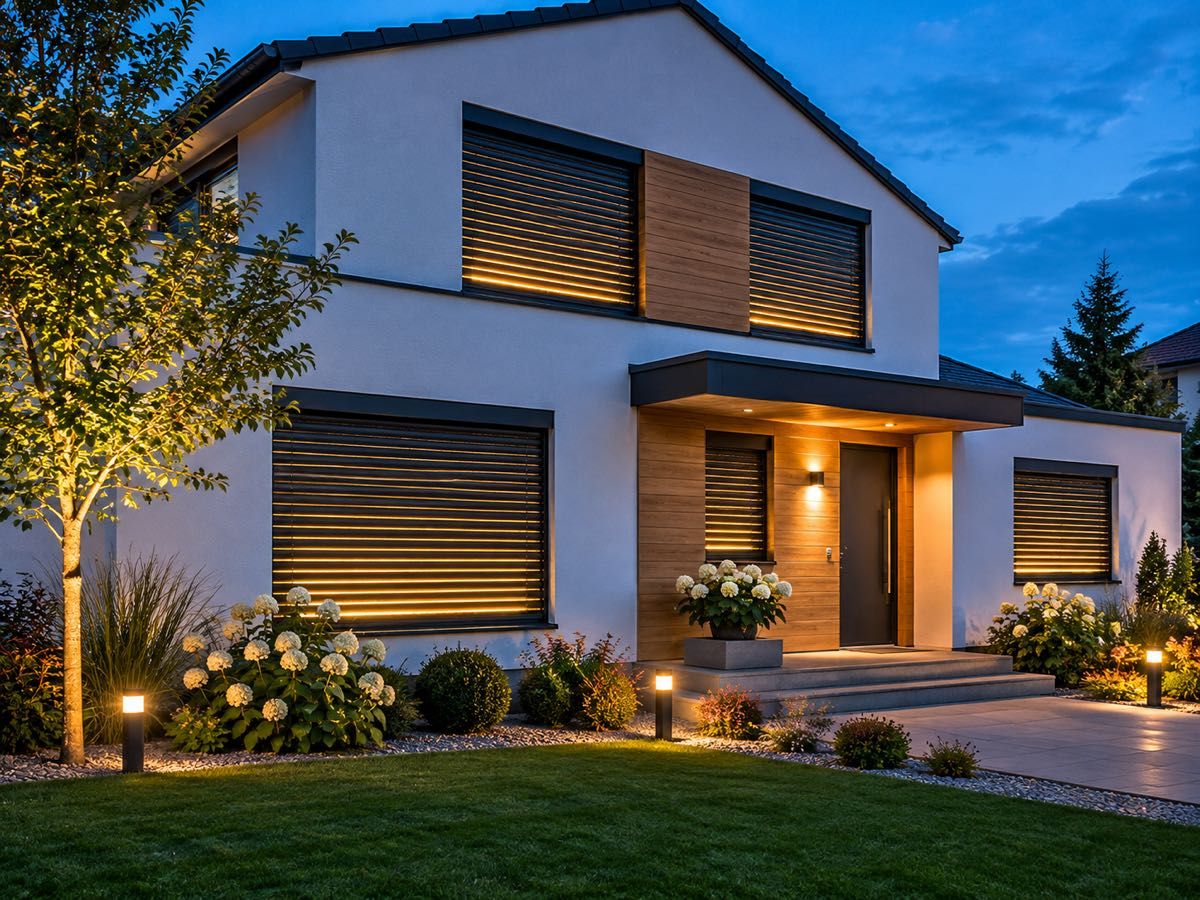
The timer follows sunrise and sunset: the blinds go up in the morning and down at dusk, and you can shift the times, for example to half an hour after sunset. You can set different times for weekdays and weekends, so on Saturday a rising blind does not wake you early.
In summer, shading can start by itself as well. With Flow coming soon on V4 GIGA and V4 Opta, for example: if the living room gets warmer than 26 °C in the afternoon, the south-facing blinds go down and the house stays cooler.
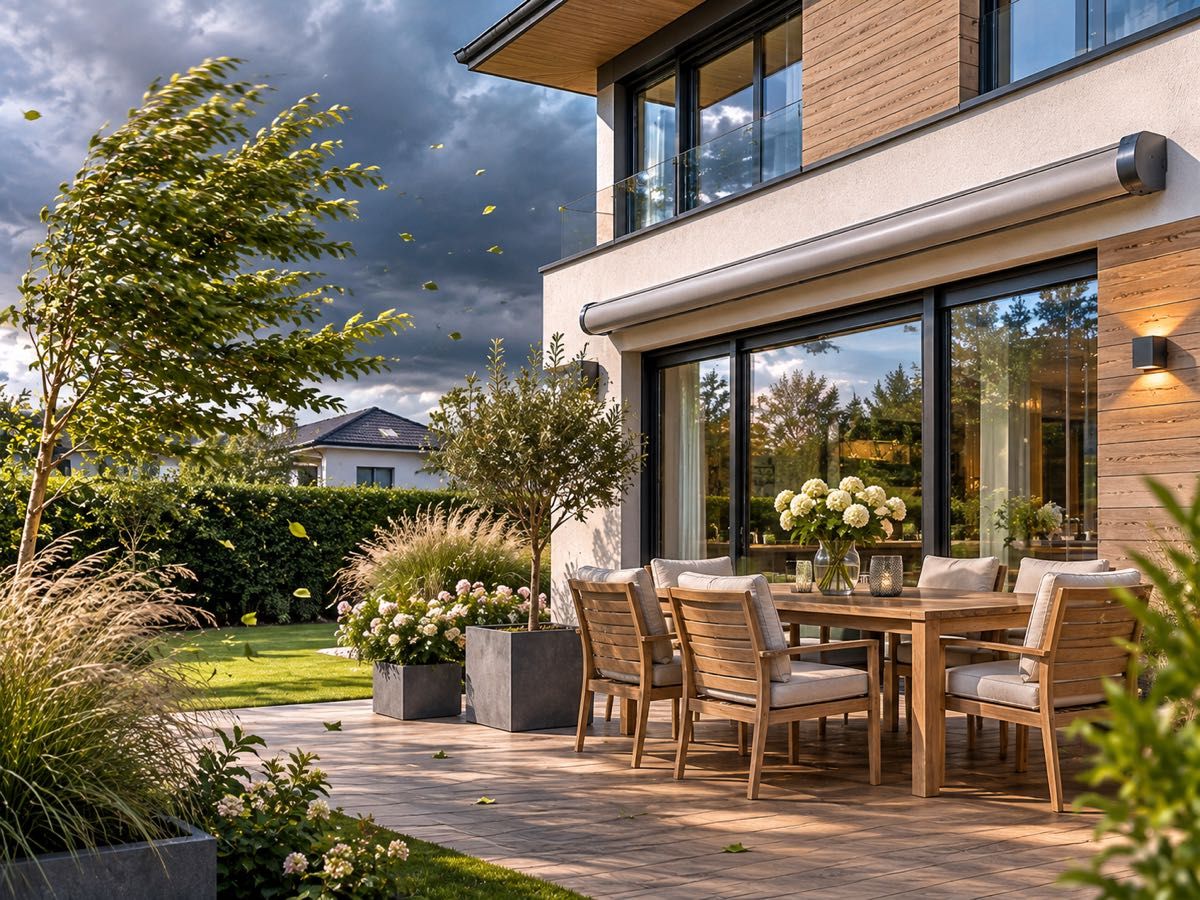
When the wind picks up, the venetian blinds and the awning pull up by themselves before they get damaged. The signal can come from a wind sensor on the wall or roof of the house, or from a weather app in Homey or Home Assistant.
The gate: from a button, the app, your car
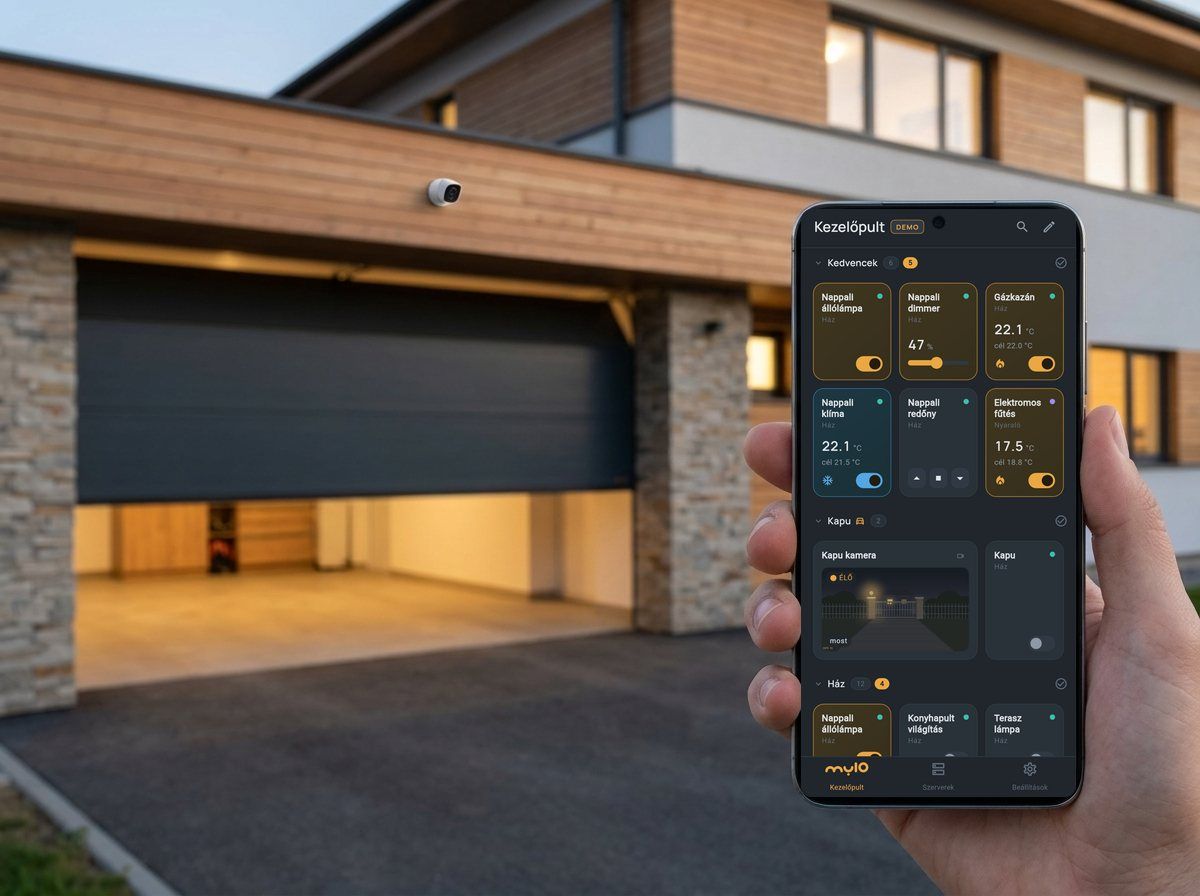
myIO opens the garden gate and the garage door too: from a wall button, from the app, on a schedule or when something else happens. The gate’s own remote control keeps working as before.
In the app, the camera image appears next to the gate button, so you see who you are opening for. You can also lock the gate tile: it opens with a PIN or your fingerprint, so nobody opens it by accident. If a limit switch is connected to the gate as well, the app also shows whether the gate is open, and it can tell you when it opens.
The myIO App works with Android Auto too. When you get home, you tap the gate on the car’s display, see the gate camera’s image on the confirmation screen, and, if needed, stop the moving gate from the same place.
After sunset, opening the gate can also switch on the garden lights. You can read about this on the Lighting page.
The setup wizard never switches the gate while testing: it leaves gates out and lists them for you.
However suits you
You control it from the app, the browser, the wall buttons, or with voice control in Hungarian on Android: “raise the living room blind”. In Home Assistant and Homey, the blinds appear with up, down and stop buttons.
You can also ask an AI assistant to lower the blinds upstairs. It helps with the setup too.
For professionals
- Roller blinds, venetian blinds, awnings, motorised curtains: two outputs (UP and DOWN) that switch the ordinary motor through external relays; each with a timer matching the full travel time (for example 25 s).
- Lockout pair for the two directions: the two relays can never be on at the same time, and while moving, the opposite direction first stops the running one. With priority, the first member of the pair stays on in a conflict; during the cooldown (default 10 s), further requests from the losing side are dropped, so the relay does not chatter even with faulty control. The first member of the pair is UP: this is how the app, Home Assistant and Homey know which direction is which.
- Button mapping: a short press of the UP button toggles the UP relay (starts it, stops it while moving), a long press switches it on, and the release switches it off (manual slat adjustment); the DOWN button works the same way. Timer cancel (hit block): if the target of the long press is running on a timer, a short press only stops it and its own event does not run.
- Automatic slat angle coming soon: a pulse command switches the direction relay on for a set time (for example 400 ms) with a single command, so the slat angle can be set precisely from a timer, from Flow or through the API.
- Groups: the UP relays and the DOWN relays in one group each; the app’s blind group tile moves several blinds together (up, stop, down).
- Timer: by day of the week, with up to ±4 hours of offset from sunrise and sunset.
- Wind protection: a wind switch with an NO/NC contact on an input; its event starts the UP direction of the venetian blind group. An MQTT wind meter (on V4 as a universal sensor), or a weather app in Homey or Home Assistant, can also trigger the raising.
- Summer shading with Flow (V4, coming soon): IF sensor threshold with hysteresis, AND time window, THEN blind group DOWN.
- Gate: a potential-free contact (relay) on the start input of the gate controller, in Just-ON mode with a 1 s timer: triggered from any source (button, app, timer, Android Auto), it gives a 1 s pulse. On a step-by-step (open–stop–close) gate controller, the next pulse stops the moving gate.
- Limit switch: an NO/NC contact on an input; its state shows in the app, and the tile alert sends an Android notification (on the lock screen too).
- Remote receiver: the contact of a receiver from a gate specialist shop goes to a myIO input, so the remote’s buttons can switch any myIO output or group.
- Safety: the setup wizard always leaves out Just-ON (pulse) outputs while testing; the app’s tile lock asks for a PIN or fingerprint; in Android Auto, a locked tile must be confirmed.
- Home Assistant (MQTT) and Homey: every lockout pair appears as a cover, named after the common part of the two output names (for example “Kitchen UP” and “Kitchen DOWN” → “Kitchen”); up, stop, down. The user needs write permission for both members of the pair.
- Outputs: two per blind; on V4 Opta, the outputs come mainly from the Expander 16. KNX blind actuators and push buttons can be connected through the KNX Bridge (V4 Opta: beta, V4 GIGA: coming soon).