Here you will find the apps, manuals and descriptions that go with myIO. The manuals are always written for the latest software. If your myIO runs older software, it is worth updating: this goes over the network, so you do not even need to go to the cabinet.
Unless marked otherwise, the documents are in Hungarian.
Apps
- myIO App for Android: download (APK, about 120 MB). Once installed, it updates itself.
- myIO App for Mac: download (ZIP, about 40 MB). macOS 10.15 or later, on both Intel and Apple Silicon Macs.
- myIO App in the browser for iPhone, iPad and any computer: open. Added to the home screen, it starts like an app.
- myIO on Homey: the myIO app in the Homey App Store.
The app does not come from the app stores, so on first install the phone or the Mac asks for confirmation. What to do then is described step by step in the Installing the app guide. The app interface is in Hungarian. There is more about the app on the App, Cloud and displays page.
Manuals
- The myIO manual (in English): open. It describes every page of the controller’s web interface, for V3 and V4 alike. You can hide the parts available only on V4 with a switch.
- The myIO App manual: open.
- The myIO DewPoint manual: download (PDF).
You do not need to download the SD card contents from here: myIO fetches them itself on its File manager page.
Hardware descriptions
Wiring and technical data of the boards, in PDF. The photo helps you find yours.
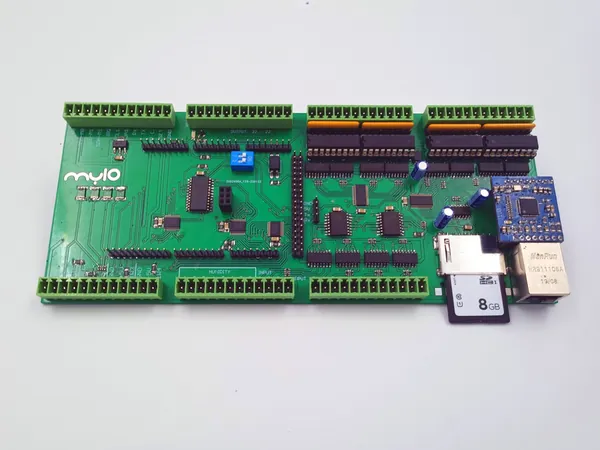
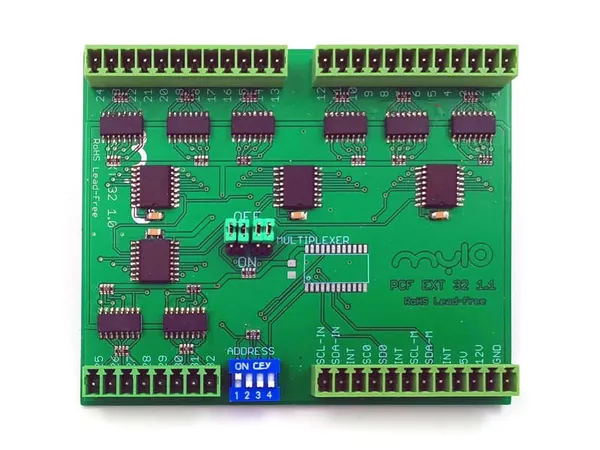
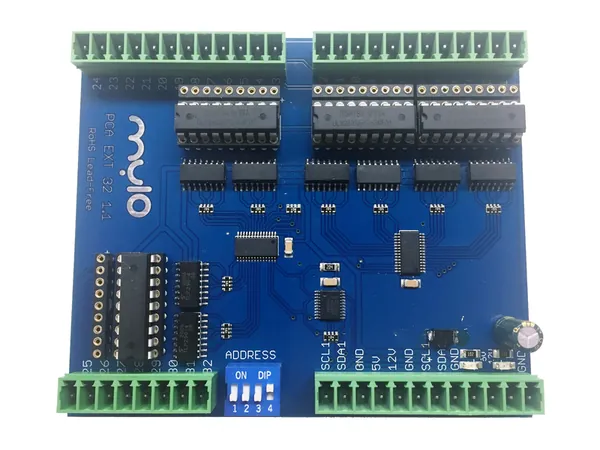
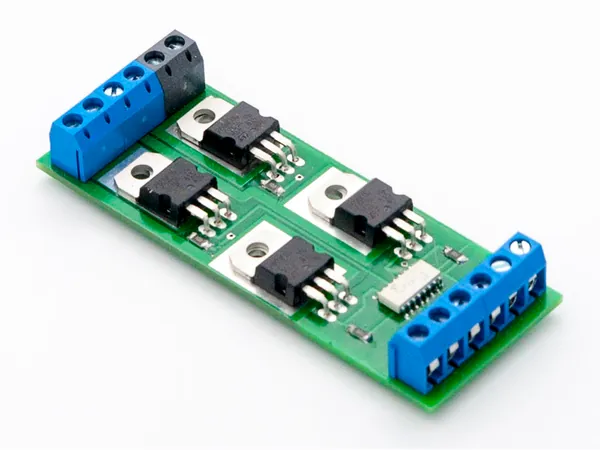
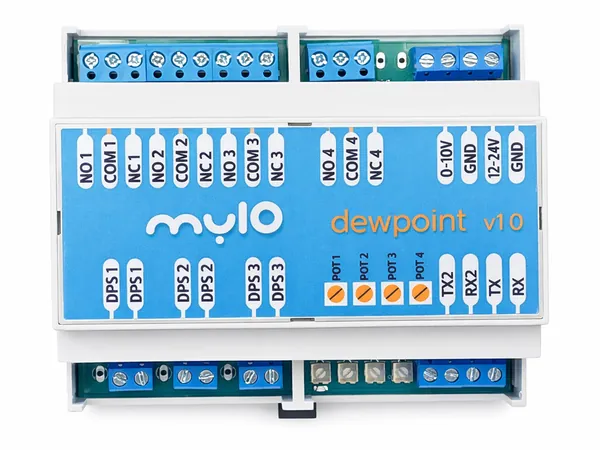
The descriptions were written when the boards came out. Instead of the warranty period stated in them, the products we make ourselves now come with a 10-year warranty.
Boards of earlier myIO systems
If you have an older myIO, the descriptions of its boards are here:
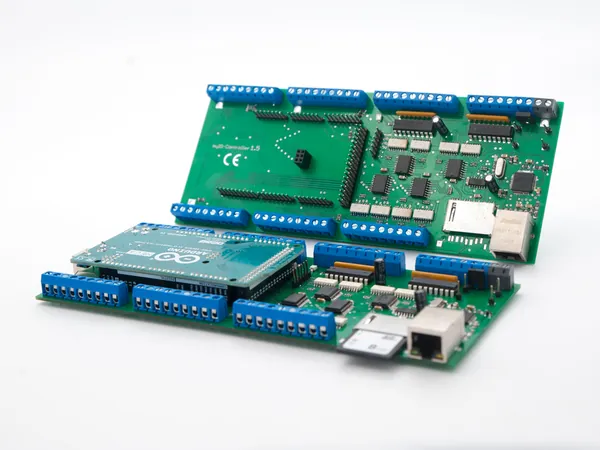
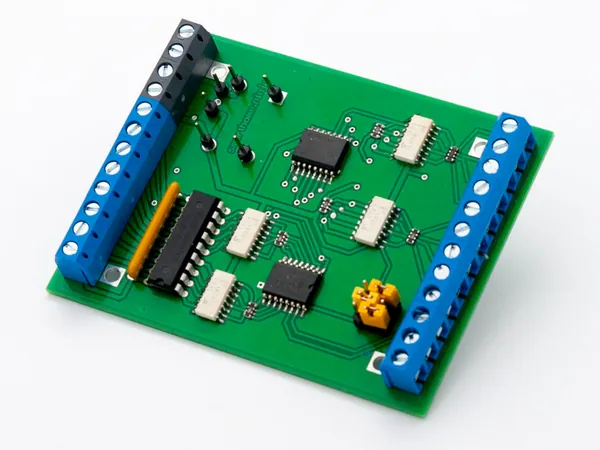
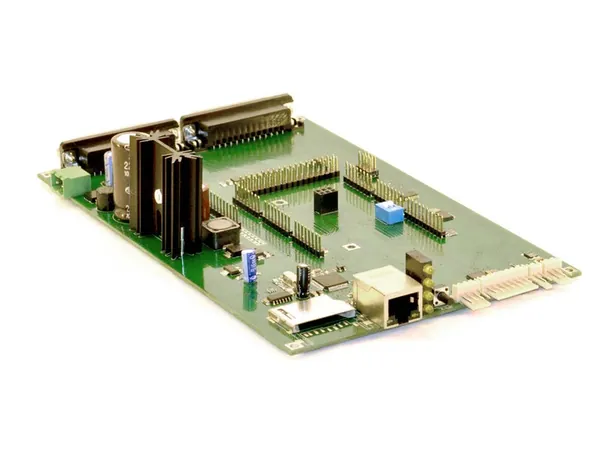
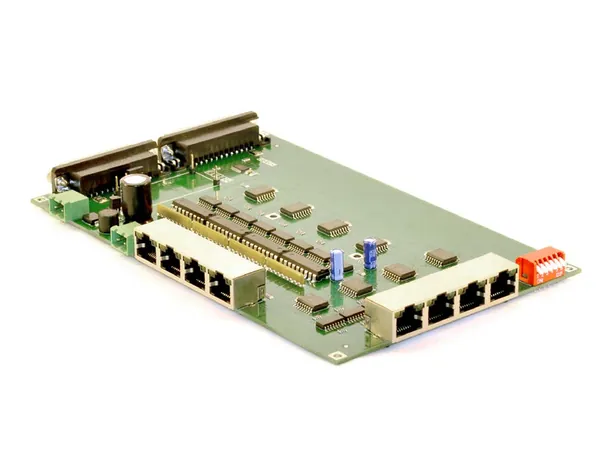
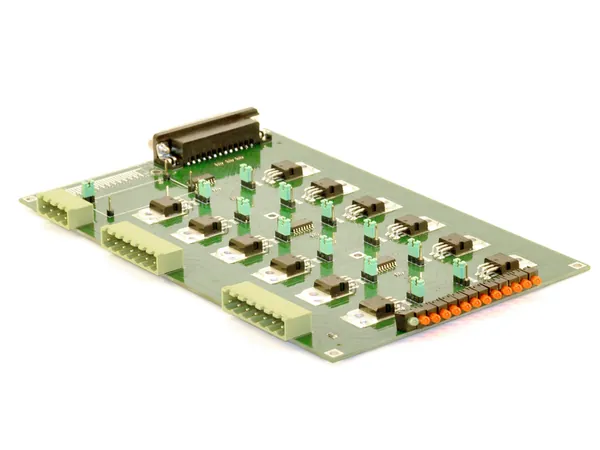
Descriptions and SD card packages for older software versions remain on the earlier download page.
For Matter: the myIO plugin
With the Matter connection, your myIO devices appear in the Google Home, Amazon Alexa, Apple Home and Home Assistant apps. It is a beta.
- The plugin: matterbridge-myio in the npm registry. You do not have to download it by hand: it installs when you type its name into the Matterbridge interface.
- Guide: Matter connection: setup and use, also as a PDF.
For AI assistants: myIO MCP
With the myIO MCP server, an AI assistant such as Claude can reach your myIO during a conversation: it reads the temperatures, switches things and changes settings.
- For Claude Desktop: download the myIO MCP extension (.mcpb). It installs with a double click; then you enter the address of your myIO, the user name and the password.
- Source code: myIO MCP on GitHub. Open source.
For professionals
- The myIO API description: API_REFERENCE.md (Markdown text, in Hungarian). The parts available from 4.x are marked.
- The manual and the API description are updated together with the web interface, so they always match the current software.
- myIO MCP is based on Node.js and runs over stdio and Streamable HTTP, so it can be used from other MCP-capable clients too.