
No separate energy manager needed. Your solar surplus is put to use by the same myIO that controls your heating. It works with any inverter, because it does not watch the inverter but what passes through your electricity meter. So you can add it to the solar panels you already have, and if you have none yet, you can add them later.
Using it beats selling it back
When the sun shines, your solar panels often produce more electricity than the house is using at that moment. You can do three things with the surplus:
- Feed it into the grid. If you no longer have net metering, you get far less for the electricity you feed in than you pay for the electricity you buy.
- Store it in a battery. That is expensive, and at best it stores one day’s worth: it will not keep the summer surplus for the winter.
- Use it right away. This is the cheapest: the water heater, the heating or the pool run while the panels produce.
The trouble is that during the day there is rarely anyone at home to watch the meter and the clouds and switch the loads accordingly. myIO does that for you.
myIO sees what goes out and what comes in
An energy meter goes into the electrical cabinet, right after your utility meter. It measures, phase by phase and continuously, whether the house is buying electricity or feeding it back. myIO adjusts your loads to that: when there is a surplus, it switches on or turns up; when the sunshine fades, it turns down or switches off.
The type of inverter does not matter, and you do not need to touch its settings. The control runs inside the house, with no internet needed.
The water heater as a battery
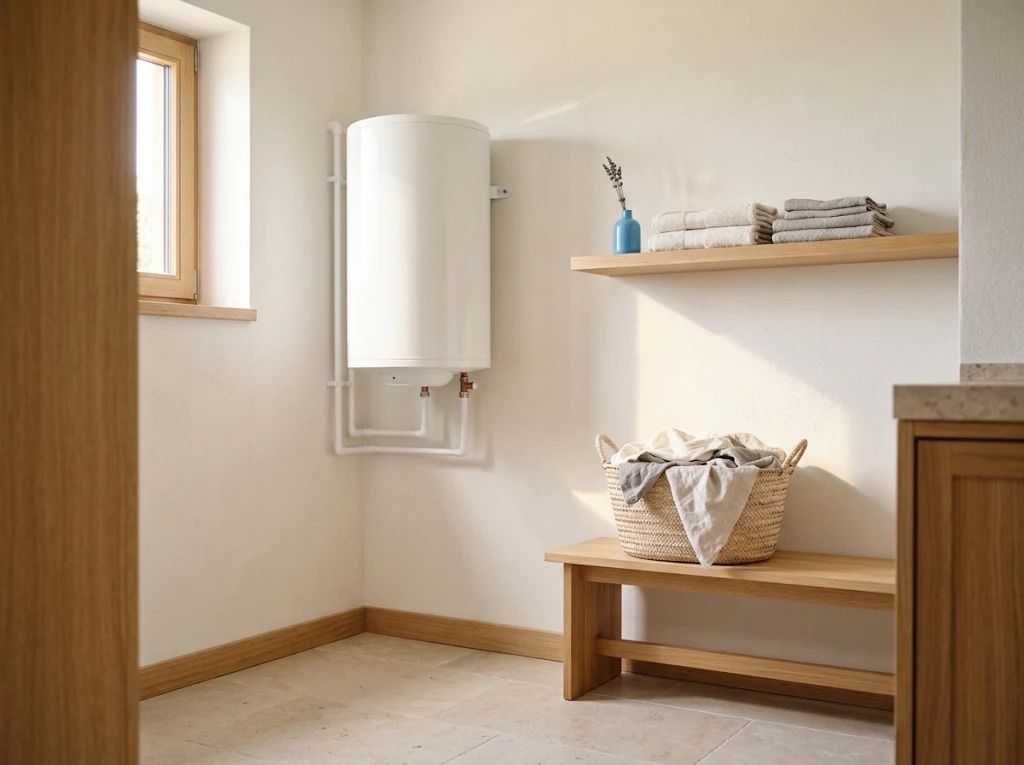
An electric water heater, a heating cable, an infrared panel or an oil radiator can also be controlled steplessly. myIO always gives them just as much power as is spare at that moment: if you would feed electricity back, it turns them up; if you would start buying, it turns them down. So even on cloudy, changeable days the sun heats your water, and the balance with the grid stays around zero. Once the water heater is hot and its own thermostat switches off, the surplus can go to the next load.
If you do not want to feed anything back at all, you can set the target slightly above zero: the house then always draws a little from the grid. This also helps if your grid operator does not allow feeding in, or if your inverter often shuts down because of high grid voltage: whatever the house uses does not have to be fed back.
Video: power control in action (YouTube, in Hungarian).
More loads, one after another
Loads that can only be switched on and off are switched in order by the Energy Manager: a radiant heater, an infrared panel, a pool pump, an air conditioner or an EV charger. As the surplus grows, it switches on the next one; as it shrinks, it switches them off in turn. You decide the order, and how much surplus each load needs before it comes on. It waits a little between steps, so a load has time to start, and a passing cloud does not make it switch back and forth.
An indicator light can be part of the sequence too: it lights up when there is a solar surplus, so you know it is a good time to start the washing machine.

The heat pump heats when it pays off
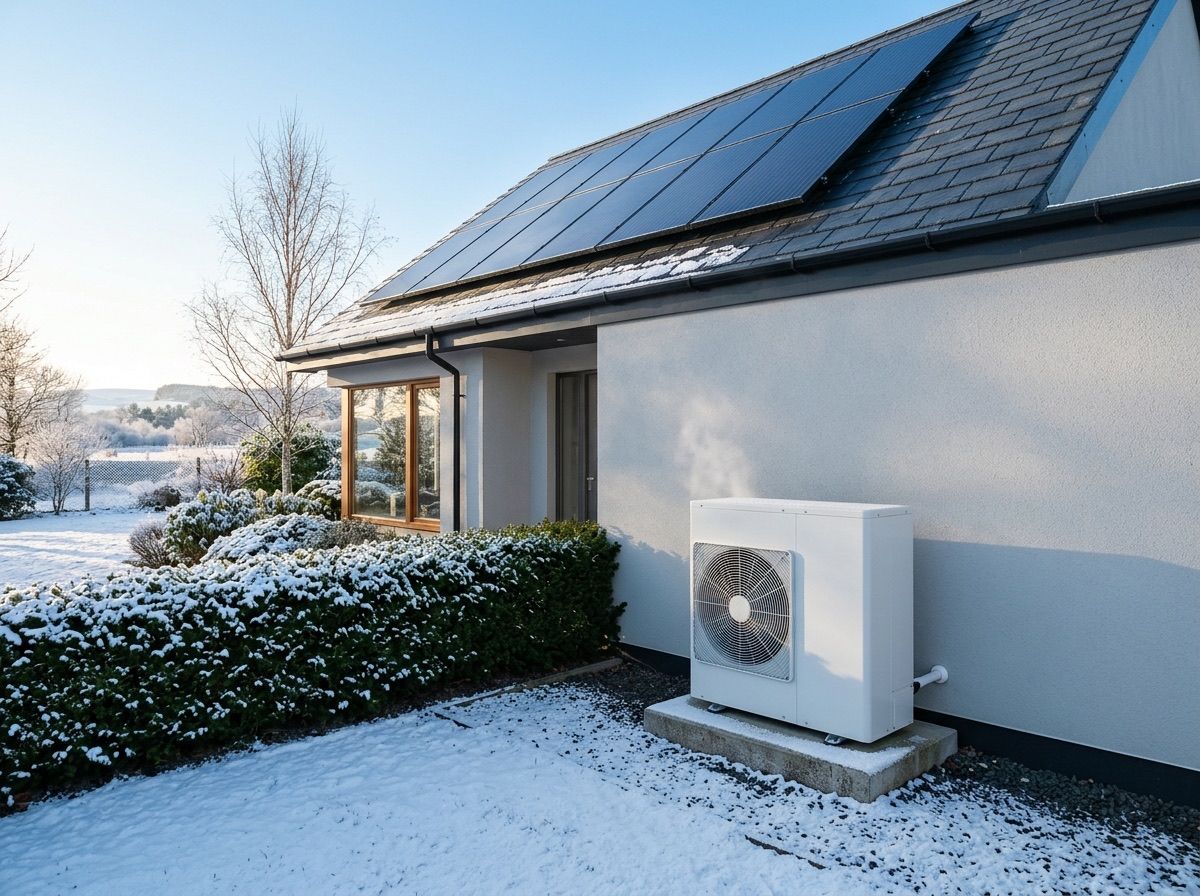
In most modern homes the heat pump is the biggest consumer, which makes it one of the best places for your solar surplus. During the day, when the sun shines, the Energy Manager can also switch on heating circuits. The house stores the solar energy in the floor, the walls or the buffer tank, and less heating is needed in the evening.
If your electricity price changes through the day, for example because your contract follows exchange prices, the SG-Ready signal helps. Most of today’s heat pumps have this input, and two outputs of myIO signal four operating modes on it: pause, normal, recommended and forced. With the timer you set which mode applies when: the recommended mode in the cheap hours, when the heat pump heats ahead and stores heat, and in the expensive peak even a pause, for up to two hours. The heat pump does not receive a command, only a signal, so its own control, its frost protection and its compressor protection always stay in charge.
Read more about heating on the Heating and cooling page.
When your grid connection is small
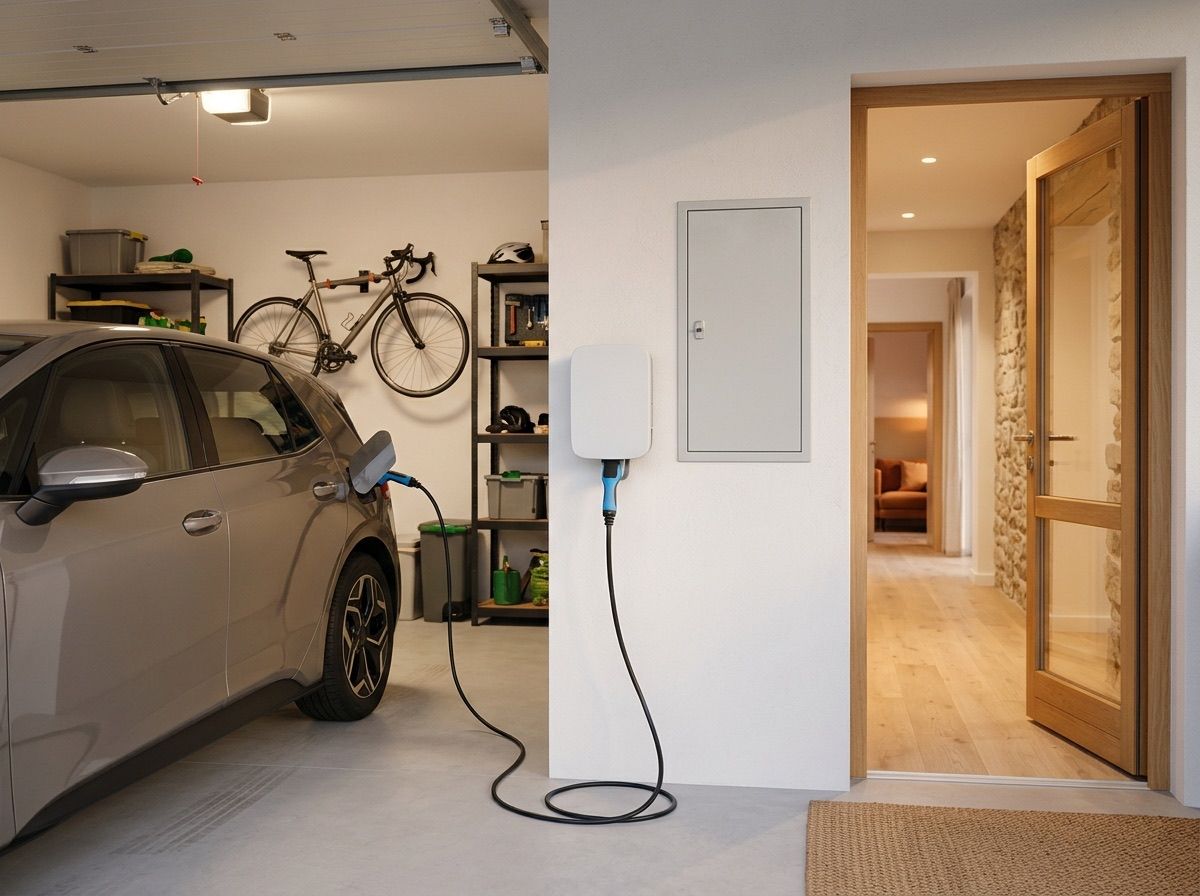
If the house has many large electrical loads, such as infrared heating, an electric water heater, air conditioning or an EV charger, and they all ran at once, the main fuse could trip. myIO watches the consumption, and when a phase gets close to its limit, it switches off the less important loads in turn and turns down the ones that can be controlled steplessly. When there is room again, it switches them back on. With infrared heating, not every room starts at the same moment, and often you do not even need to ask your grid operator for a bigger connection.
See when you buy and when you feed in
In the myIO interface you see the power, voltage and current of each phase, and whether you are buying or feeding in right now. myIO logs the values and you can look back at them on a chart, so you also see what a setting brings you. On the V4 GIGA and the V4 Opta you can also add the measured values to the Home Assistant energy dashboard.
Inverters, heat pumps, Shelly: more and more devices
- Modbus Bridge beta: besides the energy meter, other Modbus devices such as inverters and heat pumps can bring their data into myIO. It is in beta testing on the V4 Opta and coming soon to the V4 GIGA. On the V4 Opta the energy meter also connects through this bridge.
- MQTT: the V4 GIGA and the V4 Opta can also receive power data over MQTT, for example from Home Assistant, and adjust outputs to it.
- Shelly meters coming soon: on the V4 GIGA and the V4 Opta, Shelly’s Wi‑Fi meters will become data sources too.
For professionals
- Energy meter: Eastron SDM630 (three-phase), Modbus RTU. V3 and V4 GIGA: through an RS485 converter to the controller’s serial port, refreshed about every 1.5–3 seconds. V4 Opta: on the Modbus Bridge (beta), SDM630 or single-phase SDM120, with automatic detection; here the data can refresh up to every tenth of a second.
- Meter position: directly after the utility meter, so that the balance matches the utility’s meter. All loads of the house and the inverter connect after the meter. Independent of the inverter type.
- Measured per phase: active power, voltage, current, apparent and reactive power, power factor, phase angle. Logging at an adjustable interval; dense 1-second logging is only meant for commissioning, as it wears the storage over time.
- Stepless power control: the output runs in mixer mode and follows one meter value, typically the power of one phase; the PWM signal, converted to 0–10 V, drives a 0–10 V power controller. Resistive loads only: heating cable, water heater element, infrared panel, oil radiator. The target comes from the on and off values (it regulates towards their midpoint, for example towards 0 W between −100 and +100 W); you can set the minimum and maximum operating point and the control speed (a higher value means slower, calmer control). One controlled load per phase. On the V4 Opta the 0–10 V signal comes from the Expander 16.
- Energy Manager: stacked levels per phase. Each level has an output or group to switch on and one to switch off, plus a step-up and a step-down threshold (hysteresis); an adjustable delay between level changes. The same level system also works for load limiting: when consumption rises above the threshold, it steps back and switches off the load assigned to that level.
- Heating circuits with the surplus: a level can also be assigned a heating circuit (zone valve or group). A thermostat-controlled circuit can be switched on from outside (so also by the Energy Manager) between its on and off values, and then heats up to the upper value; the width of the hysteresis sets how much heat the house stores. The thermostat still takes care of comfort.
- Signalling: the meter values can also serve as the sensor for an output’s on and off values (for example an indicator light above 2,000 W).
- V4: universal sensors can receive values over MQTT (for example from Home Assistant) and from the Modbus Bridge, and soon from Shelly meters; these can drive a sensor-controlled or mixer-mode output. The Energy Manager levels work with the energy meter values; a Modbus Bridge field can also write directly into those.
- MQTT and Home Assistant: the measured values appear through MQTT discovery; on the V4 the kWh sensor can be added to the Home Assistant energy dashboard.
- SG-Ready: any two outputs (relay or output) can be assigned as the SG pair, wired as potential-free contacts to the heat pump’s SG inputs, without applying voltage. Four modes: 1 = lockout (utility lock, time-limited, 120 minutes by default), 2 = normal, 3 = recommended, 4 = forced. Switched by the weekly timer or by hand. The pair is interlocked: the controller restores the correct state every minute, so it must not be part of a lockout or coupler pair. After a restart the lockout does not return; the controller starts in normal mode. The exact behaviour of the recommended and forced modes depends on the manufacturer.