
Alarm functions, without certification. Any door, window, motion, glass-break, smoke or leak sensor connects to myIO, and with a siren it works as a simple alarm system. It does not become a certified alarm system: if your insurer or a monitoring company asks for one, keep it, and myIO works together with it.
Any sensor, on one input
Most security sensors have a simple switch output: when they trigger, they close or open a contact, like a push button. Door and window contacts, motion sensors, glass-break sensors, smoke and heat detectors and leak sensors all work this way. Each one connects to an input of myIO, and they are inexpensive and come in many designs.
When a sensor triggers, myIO switches on an output. If you mark that output as an alarm, your phone raises the alarm, and if a siren is wired to its relay, it sounds in the house too. If you only want to know that the garage door has opened, a notification is enough, without a siren.

Your phone tells you when something is wrong
When the alarm goes off, the myIO App shows a full-screen red alert with a siren sound. On Android it gets through on a locked and silenced phone too, because the app keeps watching in the background.
You can also ask for a notification on any device, for example when the gate or the garage door opens. It can be a sound or your own text, and the app can read it aloud: “The garage door is open.” Every alert goes into the notification log, so you can look back later at what happened and when.
When you leave home
The door, window, smoke and leak sensors can always be on watch, but the motion sensor should only raise the alarm when nobody is home. That is what a saved “Away” setup is for: when you leave, you load it with the button by the door or on a schedule, and from then on motion raises the alarm too. The same button switches off the lights and turns the heating down. When you come home, the “Home” setup puts everything back.
Not just burglary: water, frost, smoke
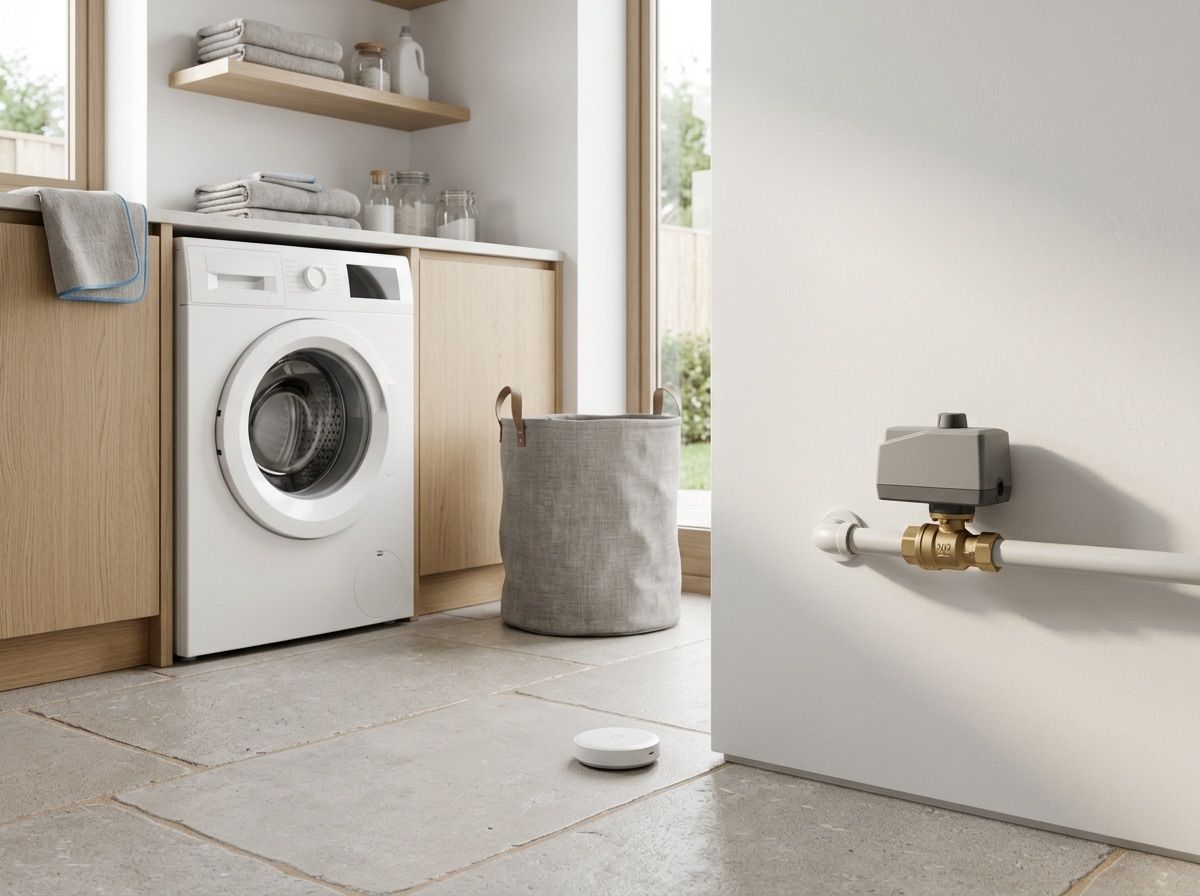
The leak sensor goes next to the washing machine, the boiler or the water heater. If water reaches it, myIO raises the alarm, and if there is a motorised shut-off valve on the water pipe, it shuts off the water too.
Any thermometer can raise an alarm as well: myIO tells you when the boiler room gets close to freezing, or when the freezer starts to warm up.
When a smoke or heat detector triggers, myIO can switch on the lights, raise the blinds and stop the ventilation so it does not spread the smoke. It does not become a fire alarm system: keep your own smoke alarms with their built-in sounders in place.
Works with your alarm system
If you already have an alarm system, or your insurance requires a certified one, myIO connects to it in two ways.
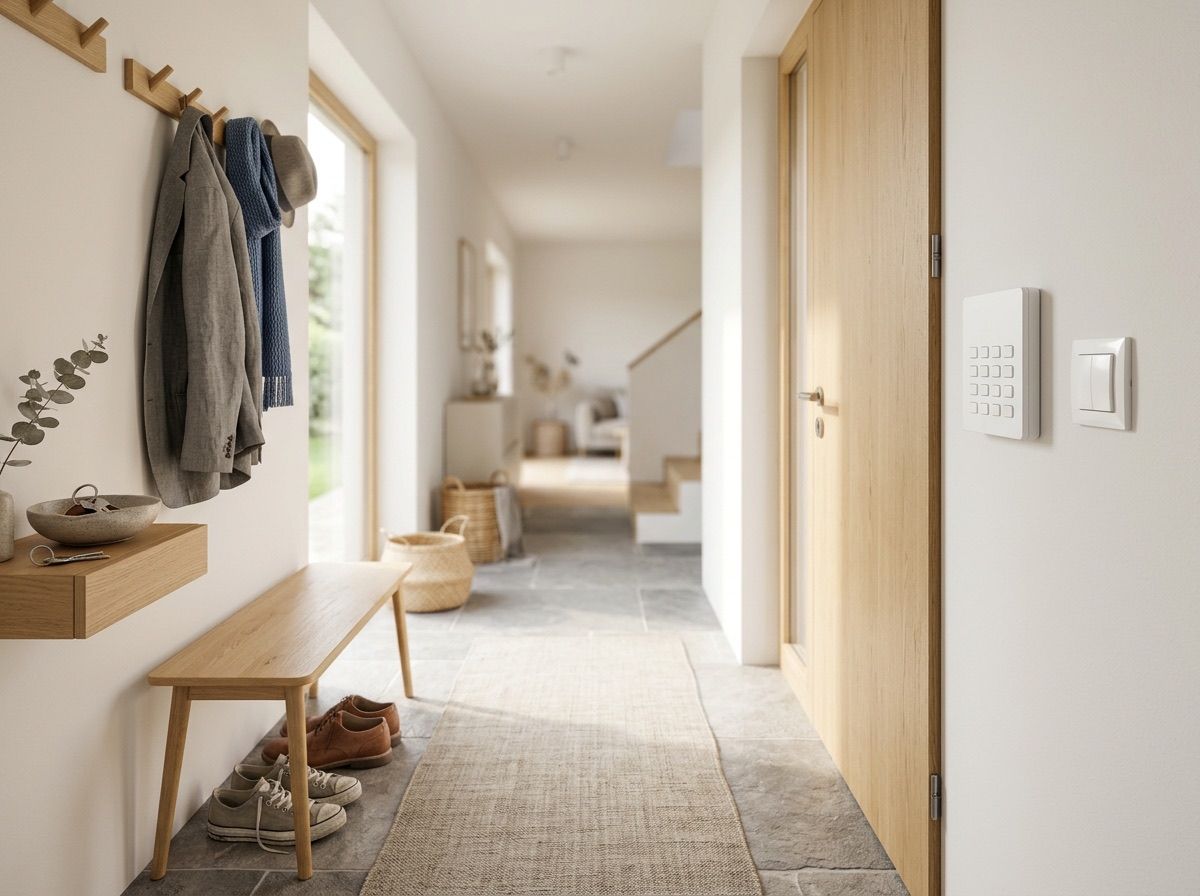
By wire, with any alarm panel. The panel tells myIO when it is armed, when the alarm goes off, or when it detects a fault. You can also arm it from myIO, for example with a “Leaving” button by the door that switches off the lights at the same time. This works with every alarm panel and every myIO, including the V3.
Over the network, using the SIA DC-09 standard beta. Many of today’s alarm panels report to the monitoring station this way, and they can report to myIO in the same way. myIO then also learns which zone or partition is in alarm. On V4 GIGA and V4 Opta.
When you arm the alarm, the house knows it too: the lights go off, the heating turns down, the blinds come down. When the alarm goes off, the outdoor lights come on and your phone alerts you.
See what is happening
In the app, the camera image shows on a tile, live with one tap, and you can move a pan-tilt camera from there too. The app gets the image directly from the camera, without a cloud or any relay service. You can read about the gate camera on the Shading and gates page.
With some cameras the app also watches for motion: if someone appears on the driveway, it notifies you and can switch on the light.
The camera security check scans your home network and tells you if a camera is dangerous: if it can be watched without a password, or can be reached from outside through the manufacturer’s cloud. On many inexpensive cameras you can fix it right from the app: you switch off the factory cloud and change the password.

myIO itself is secure
myIO works without the internet: the buttons, the timers and the sensors do not depend on a cloud. The remote connection of V4 GIGA and V4 Opta is encrypted, and a separate security chip protects the keys. You can lock the app with a PIN, and the alarm and gate tiles with a PIN or your fingerprint, and everyone controls only what they have been given rights to. Read more on the Control page.
For professionals
- Sensors: a volt-free NO or NC contact on an input (the input detects a closure to GND); the type is set in the configuration. Several sensors on one input: NO contacts in parallel, NC contacts in series. Active sensors (motion, glass break, smoke) also need a power supply.
- Input → output: on the Inputs page, an input event (press, release, held state) switches an output or a group; the target can also be an unwired logical output.
- Alarm output: when any output marked as an alarm switches on, the controller enters the alarm state and the app raises the alarm. On every controller (V3, V4 GIGA, V4 Opta). The setup wizard and the tutor mode always skip alarm outputs when testing.
- Siren: on the relay of the alarm output, or following the alarm output through a coupler; the relay timer limits how long the siren sounds (for example 180 s).
- Arming with myIO’s own sensors: a saved setup (slot) with the Inputs category: “Away” (the motion sensor input switches the alarm output) and “Home” (it does not). Loading a slot can be assigned to a button and to the timer.
- Notifications in the app: per-tile state-change alerts with a sound, your own text or text-to-speech, with a notification log. The alarm arrives on a high-priority Android channel, with a foreground service in the background too; the web app only notifies while the tab is open.
- Temperature alarm: a sensor-driven output marked as an alarm. Frost alarm with heating-direction thresholds (for example ON 5.0 °C, OFF 6.0 °C), overheating with cooling-direction thresholds (the ON threshold above the OFF threshold).
- Leak: the leak sensor input switches the alarm output and the relay of the motorised shut-off valve.
- Alarm panel by wire (every controller): the panel’s PGM outputs (armed, alarm memory, fault/tamper) go to myIO inputs; an open-collector PGM connects directly with a common GND, otherwise through a relay. Arming: the dry contact of a myIO relay on a momentary keyswitch zone of the panel, with the end-of-line resistor (EOL) as the panel requires, as a 1 s pulse; always take the state from the PGM. Arming without a code can lower the system’s EN 50131 grade: agree this with the alarm installer.
- SIA DC-09 receiver (V4, beta): myIO receives and acknowledges the panel’s reports on the local network as an IP receiver (TCP or UDP, configurable port, without encryption; SIA-DCS and Contact ID). One universal sensor per partition shows the state (disarmed, armed home, armed, alarm) and can drive outputs, thermostats and MQTT. If the panel’s periodic test report is missing, myIO reports a supervision loss. The two ways can be combined: state over SIA, arming on a keyswitch zone.
- Camera in the app: ONVIF (snapshot, RTSP live view, PTZ, image settings); the camera image does not pass through myIO. Motion automation: from Sofia/DVRIP (XMEye-type) cameras, running in the app (Android, macOS), with a 5–300 s pause between alerts.
- Camera security: a network scan on typical camera ports; it flags the Sofia/DVRIP service, the factory cloud P2P, ONVIF data leaks, RTSP without a password and open Telnet. On Sofia/DVRIP cameras it also fixes them: cloud P2P off, ONVIF password check on, password change. It never guesses passwords.
- Home Assistant (MQTT): the alarm outputs and the partition sensors appear there too, so notifications can be sent from there as well.
- Webhook coming soon (V4, Flow): an outgoing HTTP call on an event, for example a push notification through your own ntfy server.
- myIO’s own security: on V4, TLS 1.2 (myIO Cloud, MQTT) with a pinned key, the keys in the crypto chip; after repeated failed logins the IP address is locked out for a while (V4); permissions per user; the app’s passwords and PIN in the phone’s secure storage.