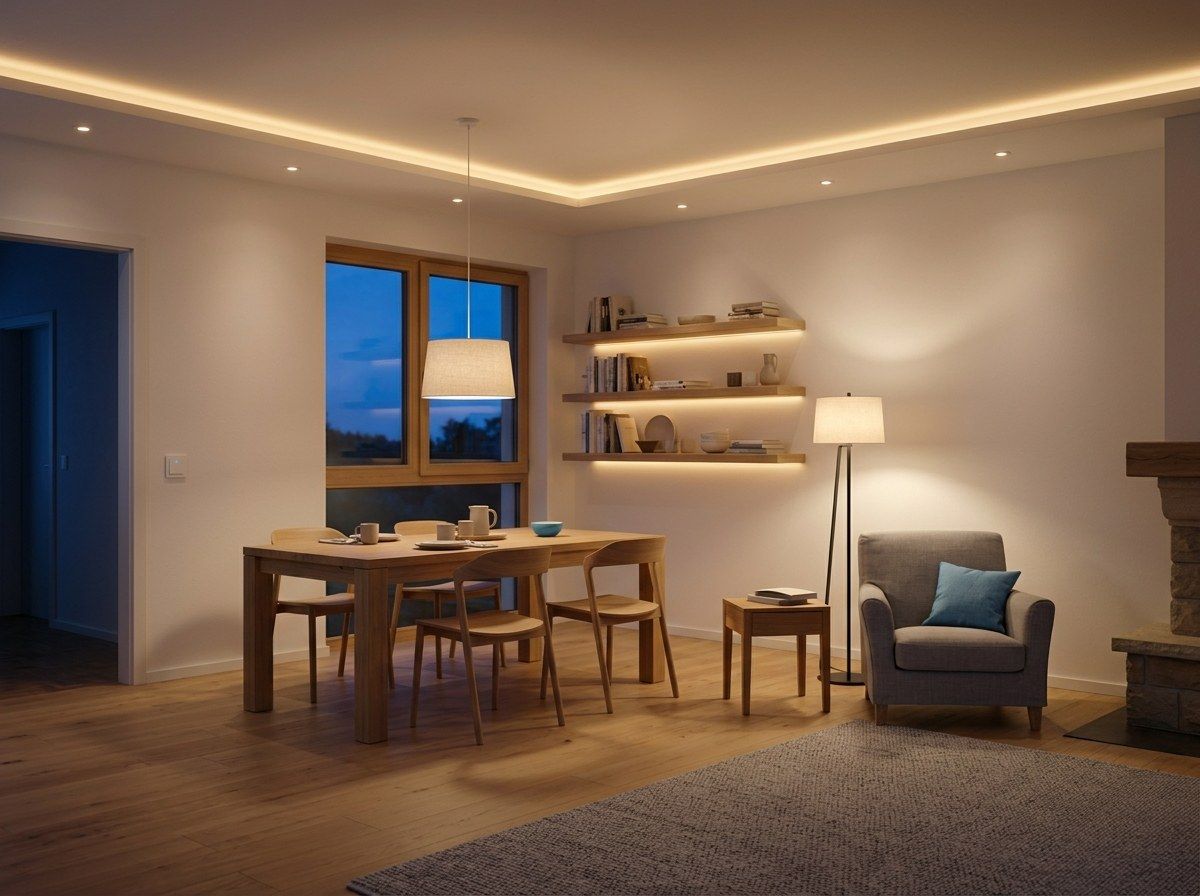
The same controller, and no programmer needed. If myIO is already in your cabinet for the heating, the lighting connects to it too, without a new system. Simple push buttons go on the wall, and myIO switches the lights. You can start with a few lights and add more whenever you like.
Press a button, then choose what it does
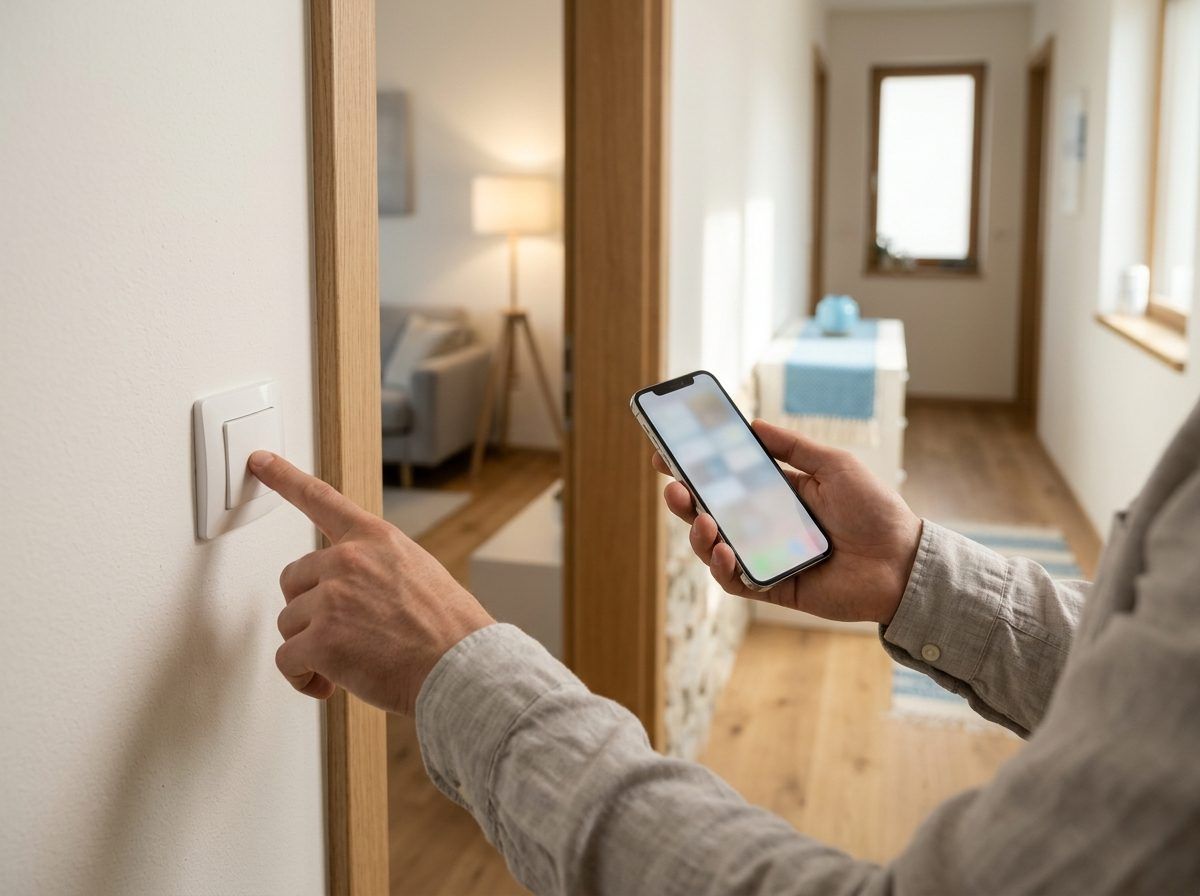
The wall has simple push buttons, from any manufacturer and any design range. The buttons are not wired to the lights but to myIO, so any button can switch anything: a single light, a whole room, the blinds, or even the heating.
You do not need to call a programmer to set it up. In the setup wizard you press the button on the wall, myIO recognises it, and you pick from a list what it should switch or dim. If you want it different later, you change it the same way, without breaking walls and without an electrician.
A button tells three kinds of press apart: a short press can switch the light, a long press sets the brightness, and letting go stops it. You can give each one a different job.
Switching happens inside your home, so the buttons and lights work without the internet too.
Brightness that follows the time of day
LED strips and dimmable LED lights can be dimmed smoothly: with the wall button, from the app, or on a schedule. Hold the button and the light slowly gets brighter or dimmer; let go and it stays where it feels right. You can also have the light fade in slowly when you switch it on, and fade out slowly when you switch it off.
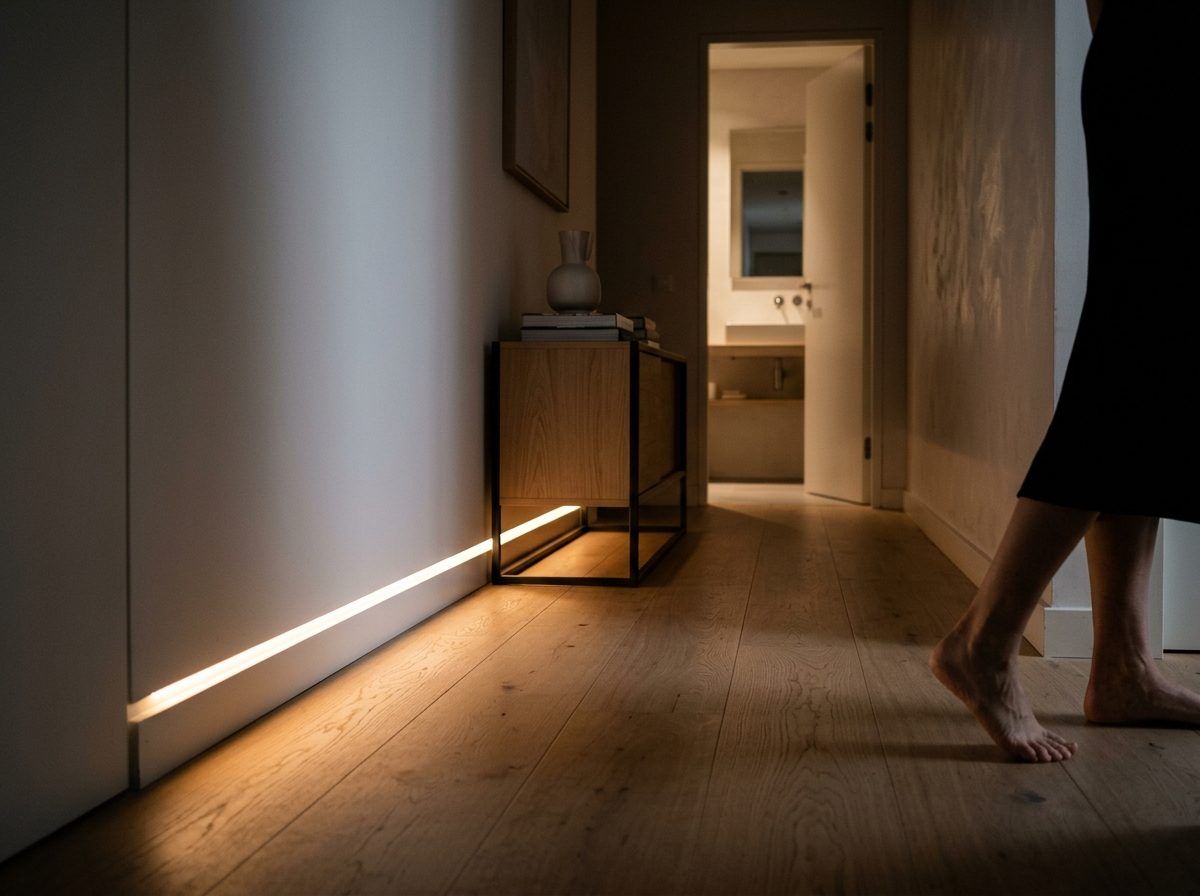
You can set a soft night light too. For example, from ten in the evening the hallway LED strip only comes on at ten percent when you press the wall button, so it does not dazzle you at night. If you need more light after all, hold the button and turn it up.
For coloured light, you pick the colour of an RGB LED strip with the colour wheel in the app or in Homey, together with the brightness. Put several strips in one group, and you set their colour all at once.
Scenes: several lights at one touch
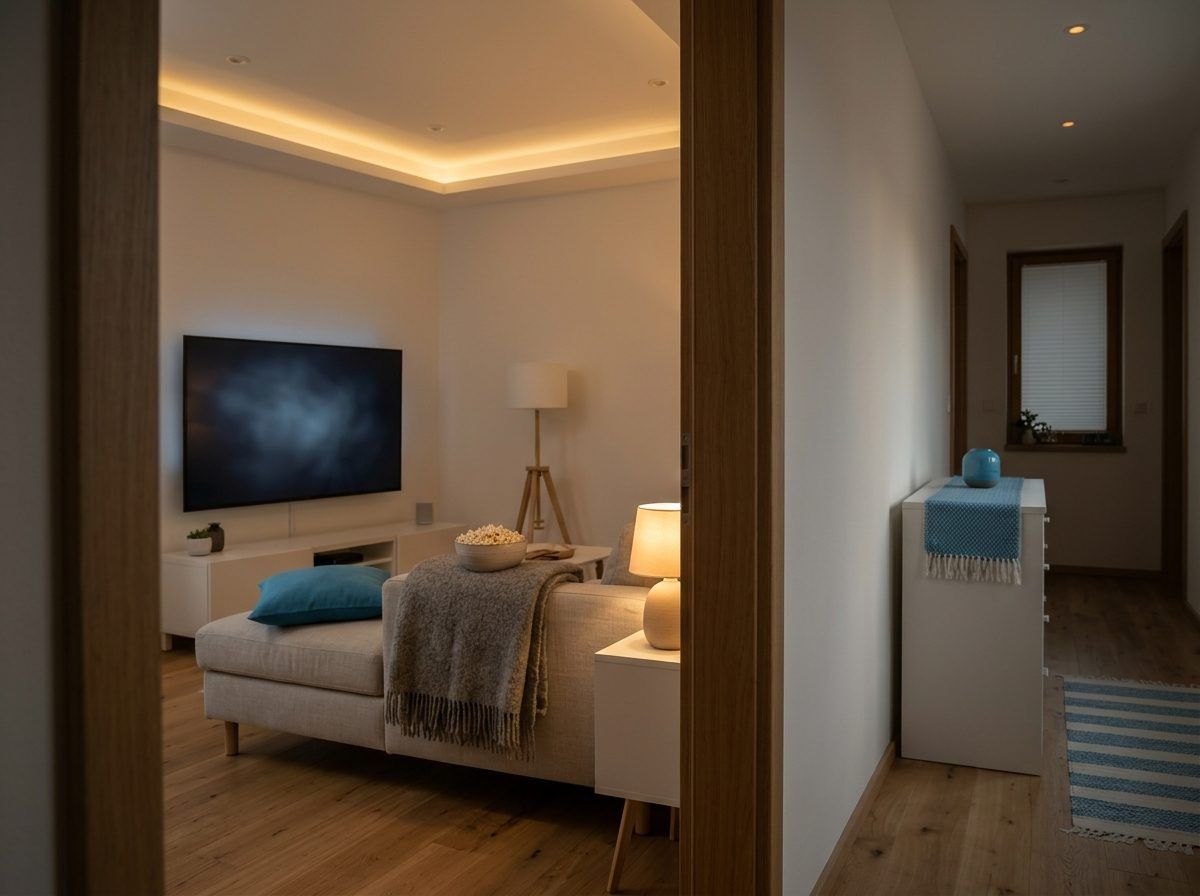
A scene means that a single action sets several lights at once to the right brightness: for dinner, a film or bedtime. With myIO you can set them up in several ways:
- With a group: one wall button switches or dims a whole group of lights, for example every light in the living room.
- In the app, in Homey or in Home Assistant: you put together your own scenes and start them with one tap. In the app you can save the lights that are currently on as a scene with one button.
- With Flow coming soon on V4 GIGA and V4 Opta: the scene runs as a rule on the controller, without Homey or Home Assistant.
By itself: on motion, at sunset, on schedule
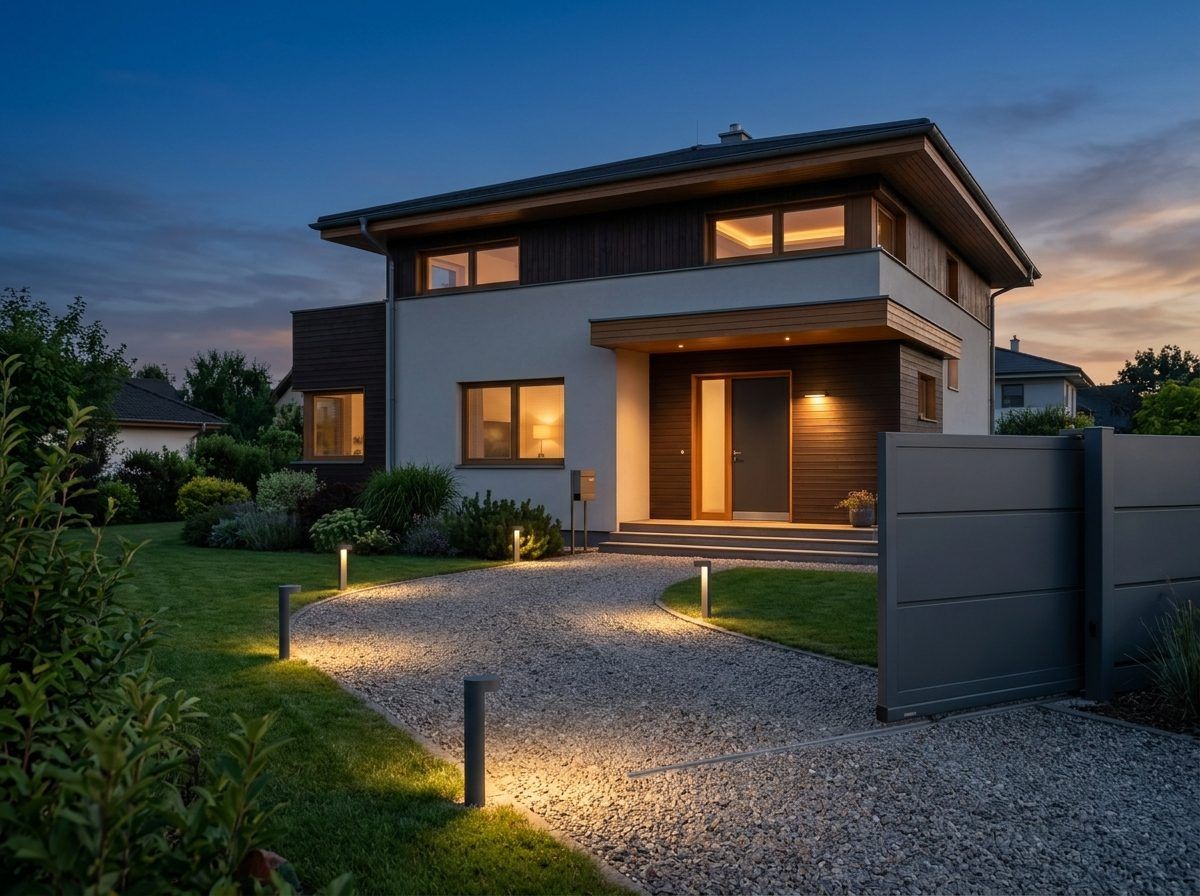
After sunset, when the gate opens, the garden lights come on for ten minutes and light up the driveway. In daylight they stay off, because nobody needs them then.
In the hallway, on the stairs or in the pantry, the light comes on with motion and goes off by itself when there has been no motion for a while. As long as someone is there, it stays on.
The garden and facade lights can come on at sunset and go off at midnight. The timer follows sunrise and sunset, and you can shift it too: for example, start half an hour before sunset. You can set different times for weekdays and weekends.
DALI and DMX: when you need professional lighting coming soon
Upscale homes and offices often have lights with DALI drivers. With the DALI Bridge, myIO controls them directly: it dims them one by one or in groups, reports when a light has failed, and restores the brightness after a power cut. If there is already another DALI controller in the building, myIO follows what it sets.
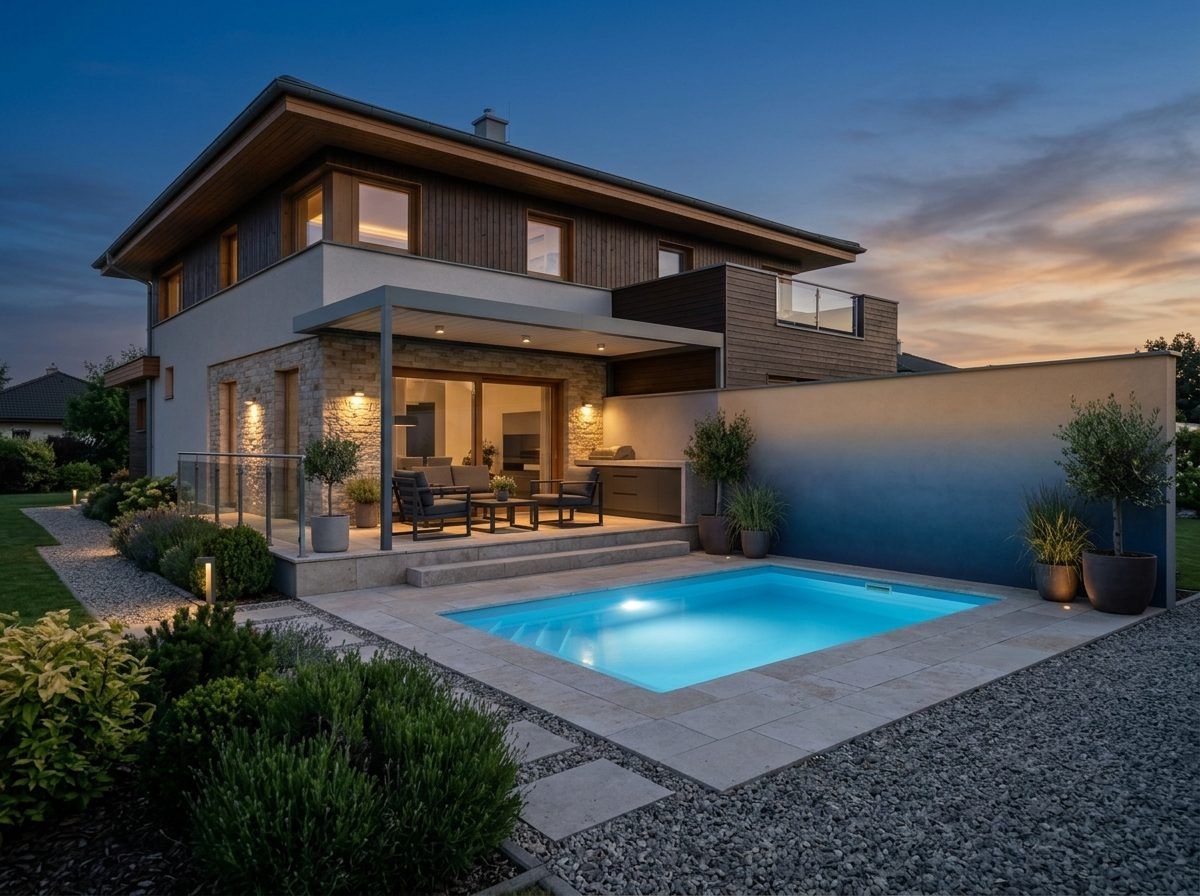
For coloured and effect lighting, for example on the facade, the terrace, in the garden, by the pool or in a home cinema, the DMX Bridge controls a full DMX512 network: up to 64 fixtures, dimmers, RGB and RGBW lights.
In myIO, DALI and DMX lights appear as ordinary dimmers, like all the others: you control them from wall buttons, the app or a schedule. Both bridges are in beta testing. They will work with V4 Opta and V4 GIGA, not with myIO Server V3.
However suits you
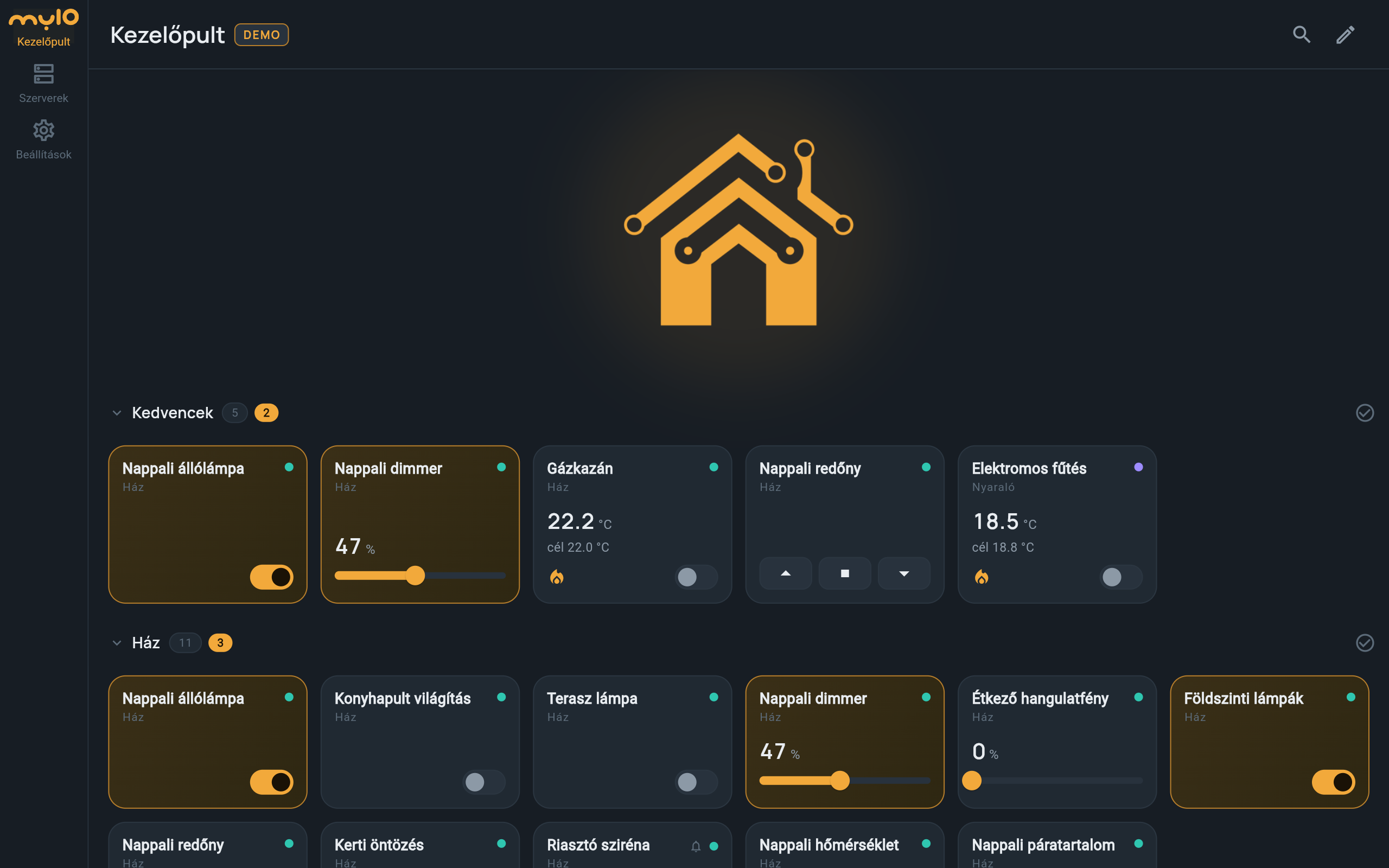
You control it from the app, the browser, the wall buttons, or with voice control in Hungarian on Android: “turn on the living room light”. myIO also works with Home Assistant and Homey.
You can also ask an AI assistant to switch off the lights downstairs, or to tell you whether a light is still on anywhere. It helps with the setup too.
For professionals
- Inputs: push button or switch, with a normally open (NO) or normally closed (NC) contact. Three events: short press, long press and release; each can have its own target: an output, a group, a gradual fade up or down, or a saved settings set. The limit between a short and a long press can be set in ms. There is no double click.
- Button learning: the setup wizard (from V3) recognises the pressed input live; you choose the target by searching for its name.
- Dimming: from V3, every output can be dimmed (PWM flag), and the PWM signal can be converted to 0–10 V for LED drivers. Every output of the Expander 16 is PWM-capable; a 0–10 V converter can be connected to its designated outputs. On V4 Opta, dimmable outputs come from the Expander 16 and the DALI and DMX bridges.
- Output settings: minimum and maximum level, fade with adjustable speed, inversion, Just-ON mode, switch-off timer, switch-on delay.
- Groups: members can be relays, dimmers or other groups. Toggle mode (if every member is on, it switches them off, otherwise it switches the rest on too) or pull-up mode (switch on only). To spare the power supply, members switch on one after another, 30 ms apart.
- Soft night light: in the evening a timer loads a saved setting in which the LED strip’s switch-on level (its maximum) is low, and in the morning it loads the daytime one back. Delete the unrelated lines from the saved file in the file manager, so no other setting changes. A long press raises the brightness further with a fade.
- Motion-sensor and staircase light: the output in Just-ON mode with a timer (for example 90 s); every new signal restarts the time.
- Garden light when the gate opens, only after sunset: from V3, a “daytime” flag (a logical output that is on from sunrise to sunset) blocks the garden lighting through a lockout pair. A coupler starts the garden light together with the gate relay (following the switch-on only), unless the flag blocks it, and the garden light’s own timer switches it off after 10 minutes. To switch it by hand as well: a second coupler switches the garden light from a “starter” group that contains a manual and a 10-minute timed logical output, and the gate starts the latter. On V4, all of this is a single Flow rule (coming soon).
- Timer: by day of the week, with up to ±4 hours of offset from sunrise and sunset; automatic daylight saving time. The internet is only needed for the exact time (NTP); a local NTP server, such as the router, works too.
- RGB: the outputs of the three colour channels (R, G, B) in one group; the app’s colour wheel and the Homey RGB control set them together.
- DALI: DALI-compatible, not certified. One DALI line per board: 64 short addresses, 16 groups, broadcast. Built-in bus power supply that can be disabled with a DIP switch (15 V, about 200 mA; only one supply per bus). Driver parameters set from myIO: fade time and rate, power-on level, system failure level, minimum and maximum, dimming curve. Lamp failure reporting, restoring the level of a light that lost power, taking over levels set by another DALI controller. Not yet: DALI-2 push buttons and sensors, DALI scenes, DT8 (colour temperature, RGBW). More lines need more boards.
- DMX: one full DMX512 universe per board (512 channels, about 40 frames/s), up to 64 fixtures: dimmer (1 channel), RGB (3), RGBW (4), generic (1–16). 8-bit channels, output only (no RDM). Daisy chain on shielded twisted pair, with a 120 Ω terminator at the end; about 32 devices and 300 m per segment, beyond that a DMX splitter is needed. If the controller drops out, the board holds the last state or blacks out, as configured.
- Output channels: every DALI address and DMX channel takes one output channel; the Opta has 160 today, shared with the Expander 16 units.
- The bridges connect over an RS485 bus and are 3 DIN modules wide each. KNX push buttons, sensors and actuators can be connected through the KNX Bridge (V4 Opta: beta, V4 GIGA: coming soon).